Since I'm so obsessed with knowing what I did and when I did it, I came up with this simple project that lets you add a jinfo.json file to the root folder of your project where you can list features and dates which those features were implemented. You can download a copy of an empty jinfo.json file here.
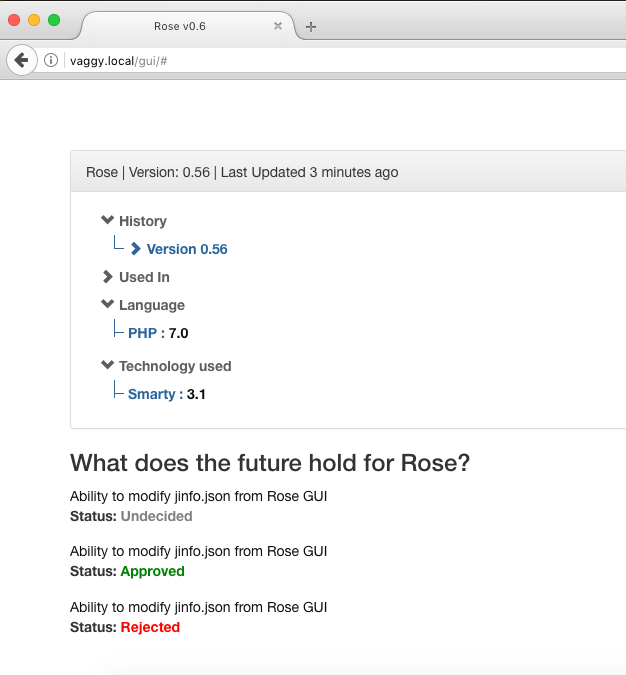
To graphically view your projects jinfo.json, clone this project and navigate to /gui (Example: http://localhost/Rose/gui) and enter the path (Relative or Absolute) to your projects jinfo.json file.
Add the jinfo.json file you downloaded to File and Templates section of your IntelliJ IDEA editor and it'll automatically fill in the preset fields.
This is a preview of the jinfo.json of this project: