Home
Add a flexible section to the top navigation that you can add HTML or iFrame resources.
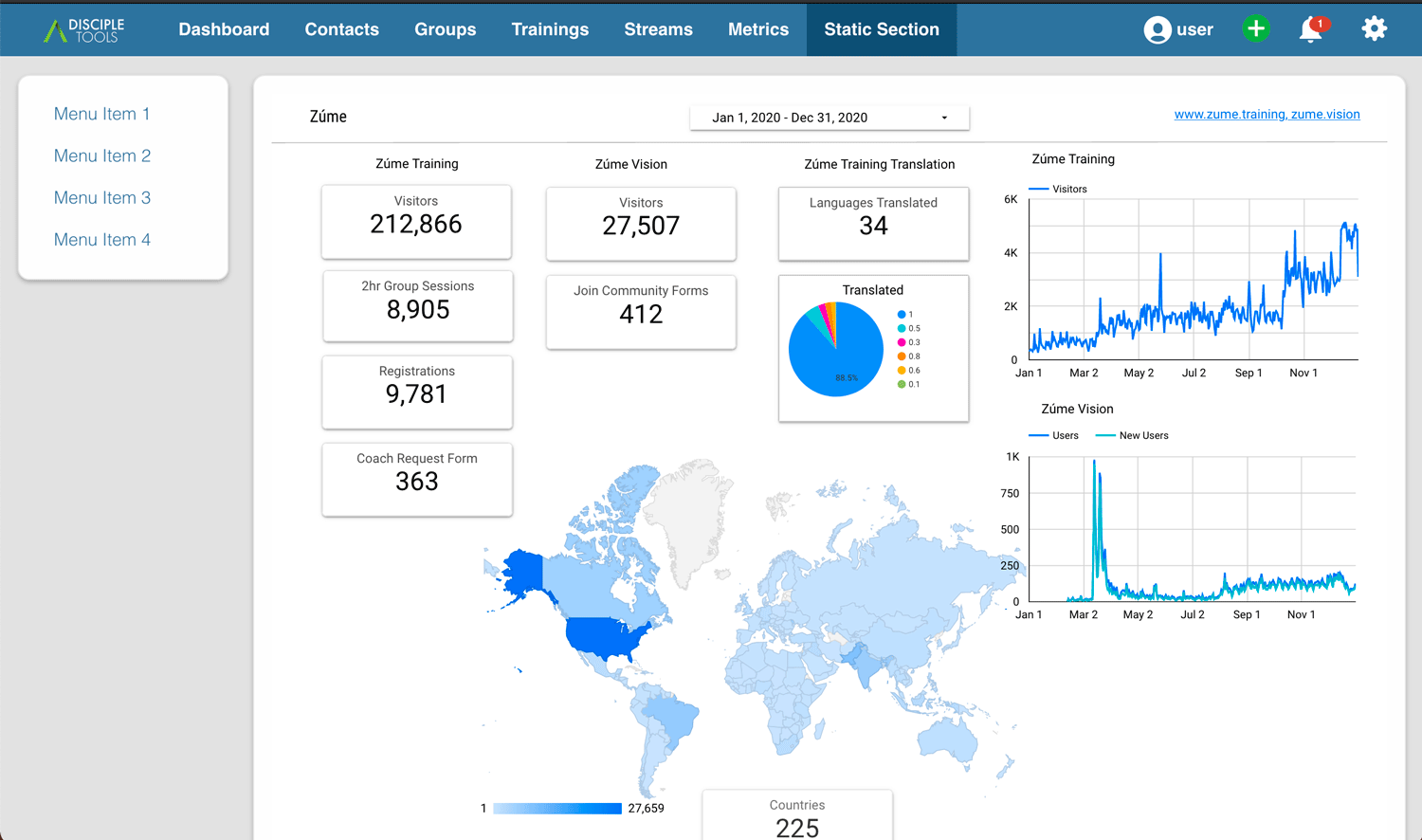
The initial application for this project was to take Google DataStudio reports and iframe them into the metrics area for the team to view. The visualizations were from the advertising and online training efforts. This data was important for the team in decision making and for basic encouragement and prayer. Rather than building a complex integration, this simple plugin allows you to iframe in the reports hosted from Google Datastudio. It can also be used to public almost any HTML page, like a list of downloadable resources, or the home page of a key partner website.
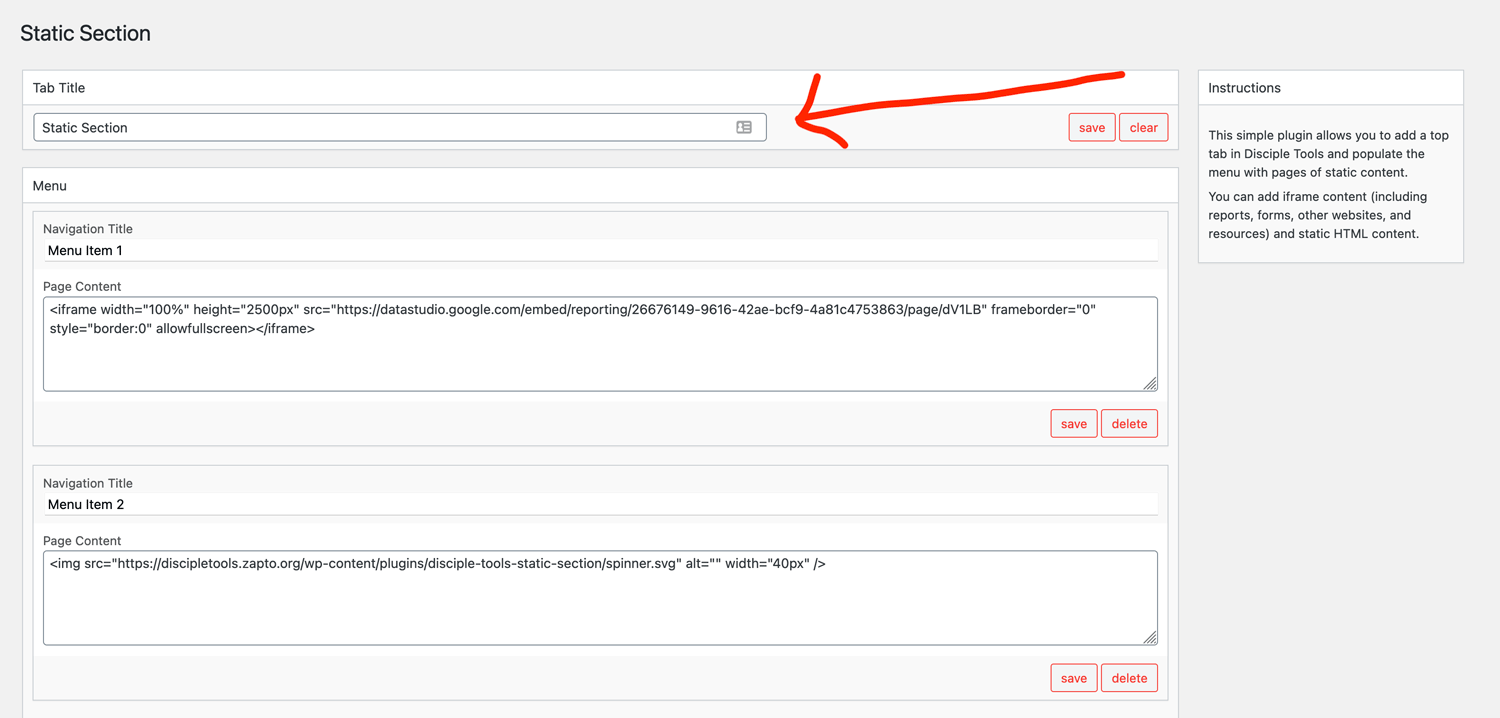
First, add a title for the section section. This title will go at the top nav bar of the Disciple.Tools site.
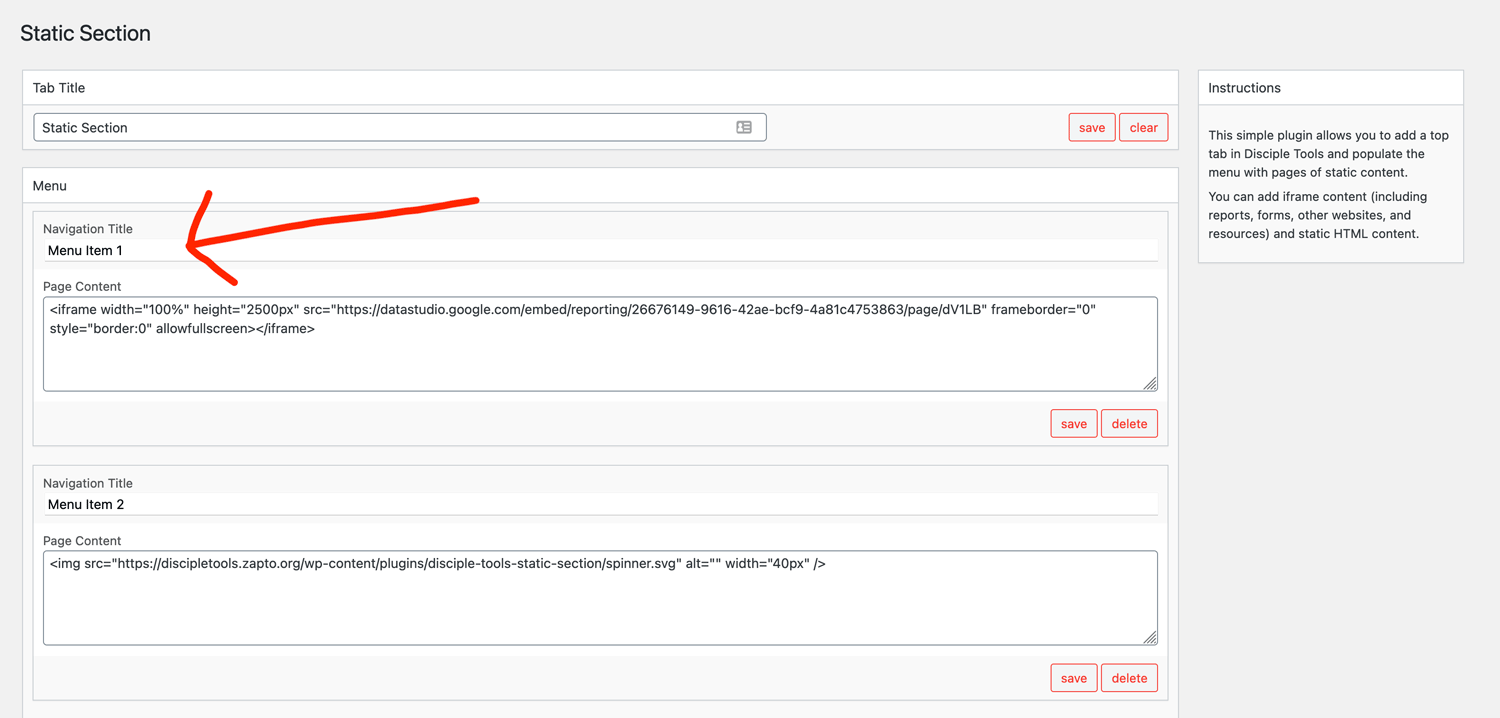
Second, add menu title.
Third, add content to the menu item.
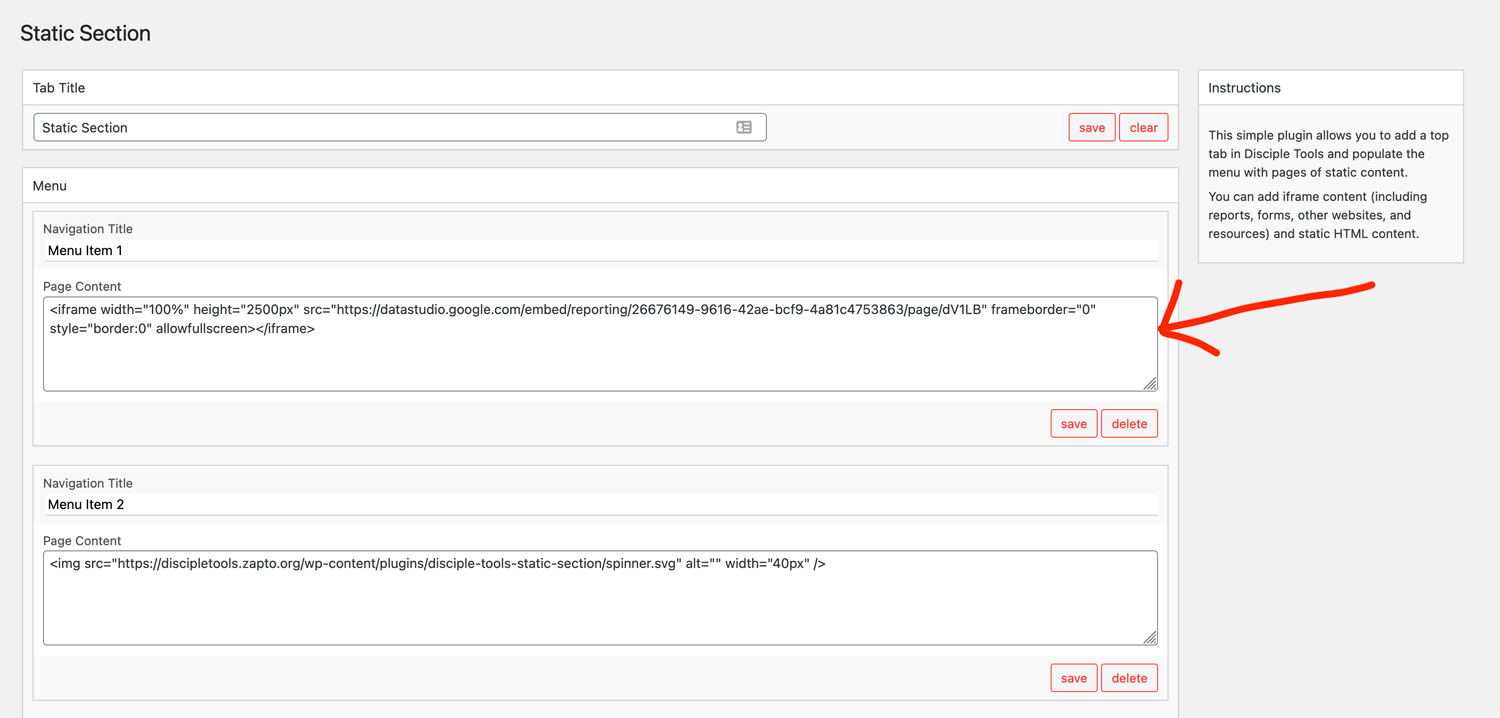
Content example, adjust the height field, and src field with your link.
<iframe width="100%" height="1000px" src=“insert your google data studio link here" frameborder="0" style="border:0" allowfullscreen></iframe>
By default the section loads a spinner, until the content loads from the REST API.
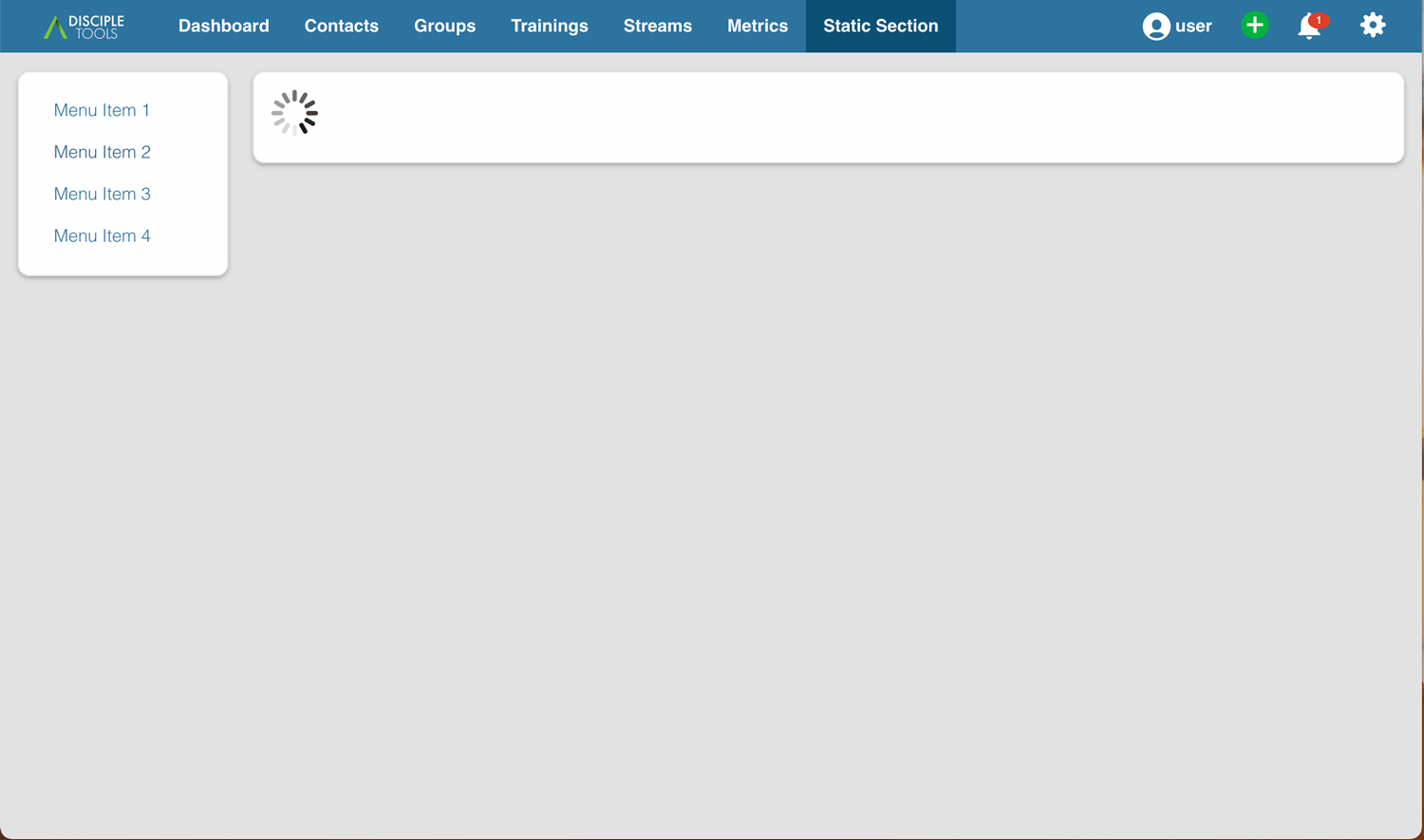
Using an iframe, you can seamlessly include external charts and resources.
Make sure the you group the link with "embed" in it and make sure your report is sharing settings are set to "Public on the web" or "Anyone with the link can view".
See the "Embed via HTML iframe" section on https://support.google.com/datastudio/answer/7450249?hl=en