



Use MacOS on Linux and Windows. No commands, full GUI setup.
Choose your MacOS version and start the installation process with a simple GUI.
Warning
Due to MacOS EULA, you are responsible and obligated to use MacOS only on official hardware.
- Fully grafical setup
- Easy configuration
- KVM acceleration
- Web-based viewer
- Automatic download
- Disk passthrough
- USB passthrough
- Network passthrough

We are working on a full app integration like Winboat. For now, only runs MacOS with full desktop, no headless mode.
Very simple! These are the steps:
-
Start the container and connect to port 8006 using your web browser.
-
Choose
Disk Utilityand then select the largestApple Inc. VirtIO Block Mediadisk. -
Click the
Erasebutton to format the disk to APFS, and give it any name you like. -
Close the current window and proceed the installation by clicking
Reinstall macOS. -
When prompted where you want to install it, select the disk you created previously.
-
After all files are copied, select your region, language, and keyboard settings.
-
When the
Migration Assistantwants to transfer data, selectNot now(bottom left). -
On the
Apple IDscreen, selectSet Up Later(bottom left) and then proceed usingSkip. -
On the
Create a Computer Accountscreen, fill in a username and password andContinue.
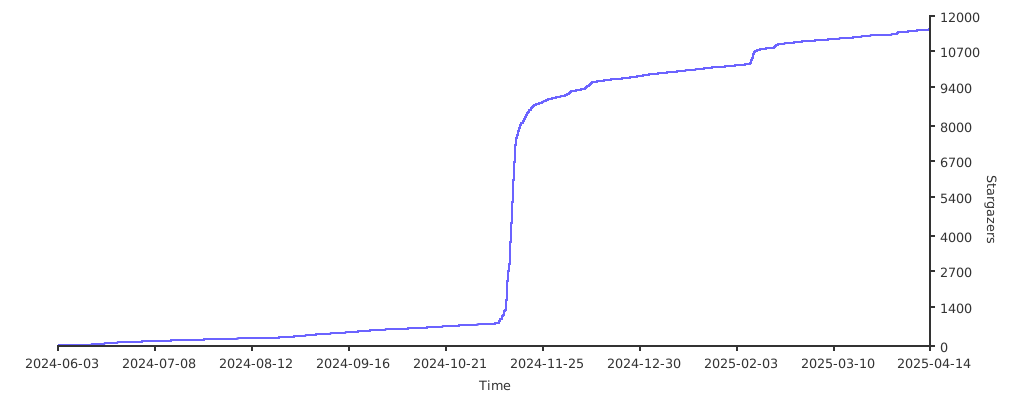
Enjoy your brand new machine, and don't forget to star this repo!
You can select it on the setup process.
Select from the values below:
| Value | Version | Name |
|---|---|---|
15 |
macOS 15 | Sequoia |
14 |
macOS 14 | Sonoma |
13 |
macOS 13 | Ventura |
12 |
macOS 12 | Monterey |
11 |
macOS 11 | Big Sur |
Yes, this project contains only open-source code and does not distribute any copyrighted material. Neither does it try to circumvent any copyright protection measures. So under all applicable laws, this project will be considered legal.
However, by installing Apple's macOS, you must accept their end-user license agreement, which does not permit installation on non-official hardware. So only run this container on hardware sold by Apple, as any other use will be a violation of their terms and conditions.
Special thanks to seitenca, this project would not exist without her invaluable work.

Only run this container on Apple hardware, any other use is not permitted by their EULA. The product names, logos, brands, and other trademarks referred to within this project are the property of their respective trademark holders. This project is not affiliated, sponsored, or endorsed by Apple Inc.