Visual Studio Code extension to compare Git branches and commits with a side-by-side view, highlighting inline differences at the character level.




🌍 Languages: 

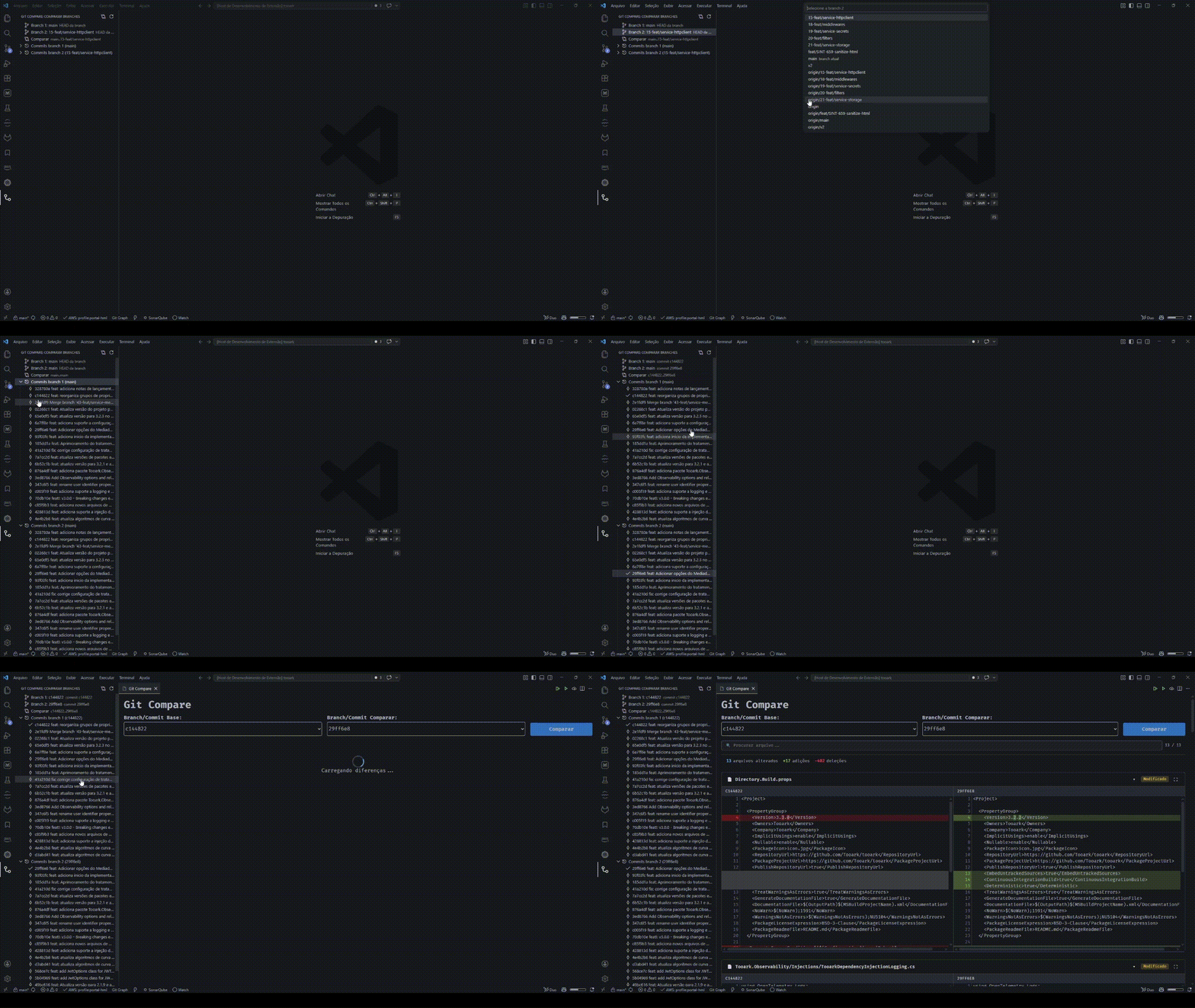
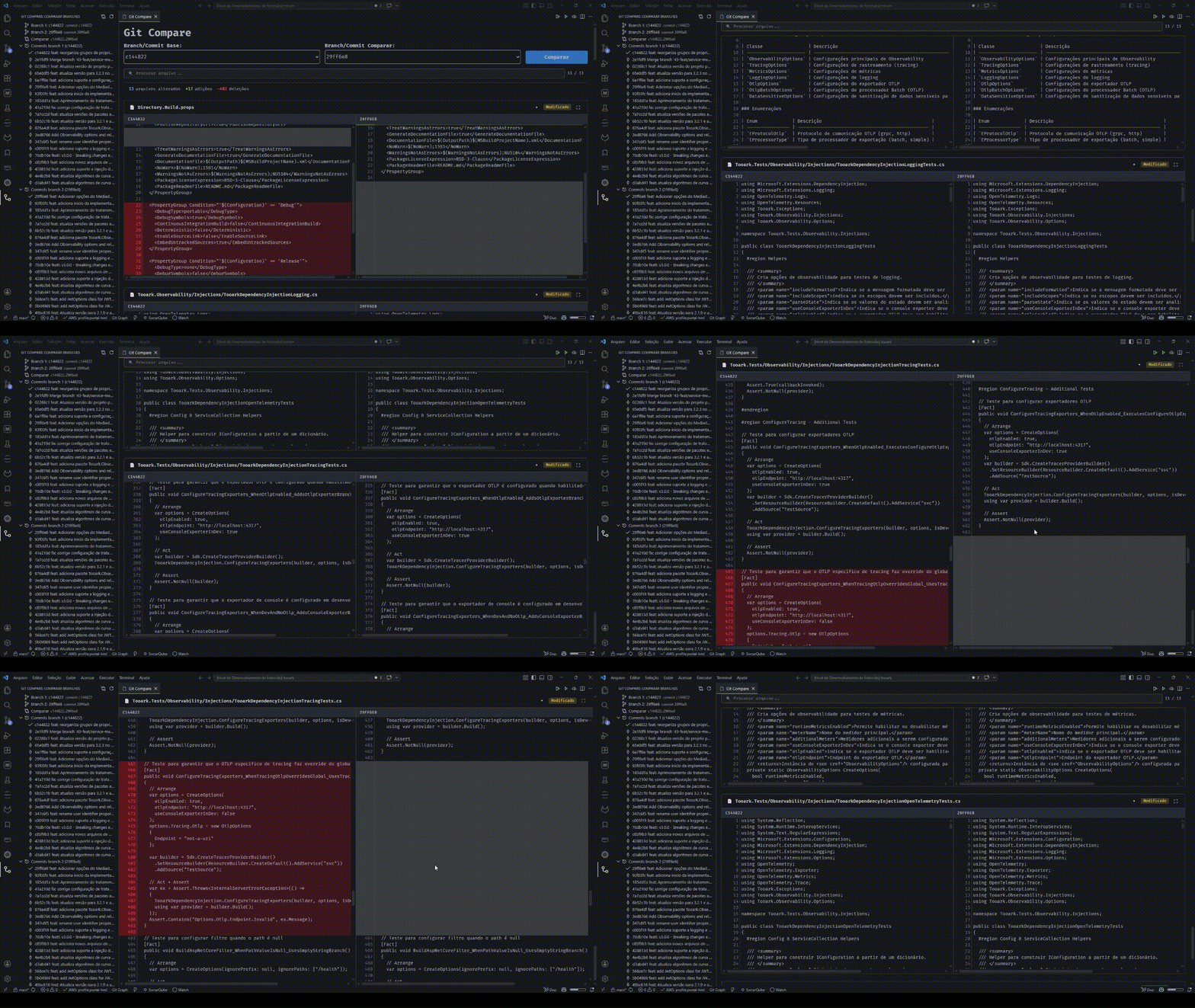
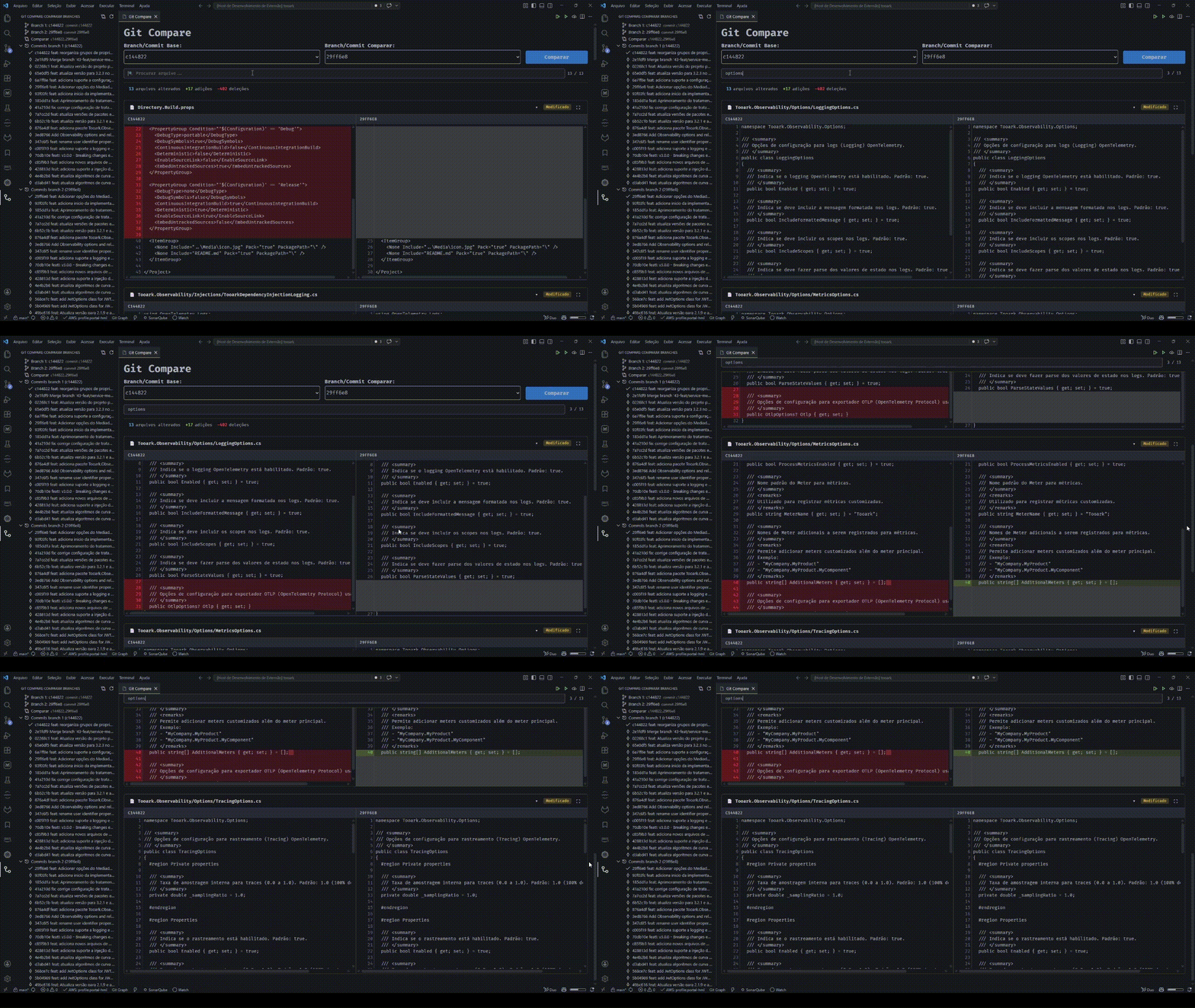
- 🌿 Compare any two refs — branches or commits — with a side-by-side diff
- 🔤 Inline highlighting of character-level changes inside modified lines
- 🧭 Dedicated sidebar to pick branches and commits without leaving the editor
- ⚡ Instant file list with on-demand diffs — files load lazily and prefetch in the background, so even huge comparisons open without freezing
- 🌐 Internationalization with English and Brazilian Portuguese
- Open VSX: open-vsx.org/extension/tooark/git-compare
- VS Code Marketplace: marketplace.visualstudio.com/items?itemName=tooark.git-compare
Or inside VS Code:
- Open Extensions (
Ctrl+Shift+X/Cmd+Shift+X) - Search for Ark Git Compare
- Click Install
The extension adds a dedicated Compare Branches view to the VS Code activity bar:
- Select two refs through the Branch 1 and Branch 2 fields
- Browse the latest 20 commits of each branch listed in the panel
- Pick a specific commit per branch for a point-in-time comparison
- Compare button in the panel toolbar to run the comparison
- Side-by-side comparison of the files changed between two refs
- Inline highlighting of character-level changes within modified lines
- Scroll synchronization between the left and right columns
- Per-file fullscreen mode — click the expand button or press
ESCto exit - Selects at the top of the panel stay in sync with the sidebar selection
- On-demand rendering — files start collapsed and each diff loads when expanded, with background prefetching so they are usually ready by the time you open them
- Git Compare: Compare Commits — opens the comparison panel directly from the command palette
- Visual Studio Code
^1.95.0 - An open workspace containing a Git repository
- Open a workspace with a Git repository
- Click the Git Compare icon in the activity bar
- In the panel, click Branch 1 or Branch 2 to select the desired refs
- (Optional) Expand each branch's commit group and click a commit to pin a specific point
- Click the Compare button in the panel toolbar (compare icon) to view the differences
- Requires a valid Git repository at the workspace root.
- Listing commits may be slow in repositories with very large histories.
The extension does not expose user settings at the moment. If future features require preferences (for example, the number of listed commits or scroll-sync behavior), they will be documented here.
If this extension helps your workflow, consider supporting its development:
- 💙 GitHub Sponsors
- ☕ Ko-fi
Every contribution helps keep the project maintained and improving. Thank you! 🙏
This project is licensed under the MIT License.