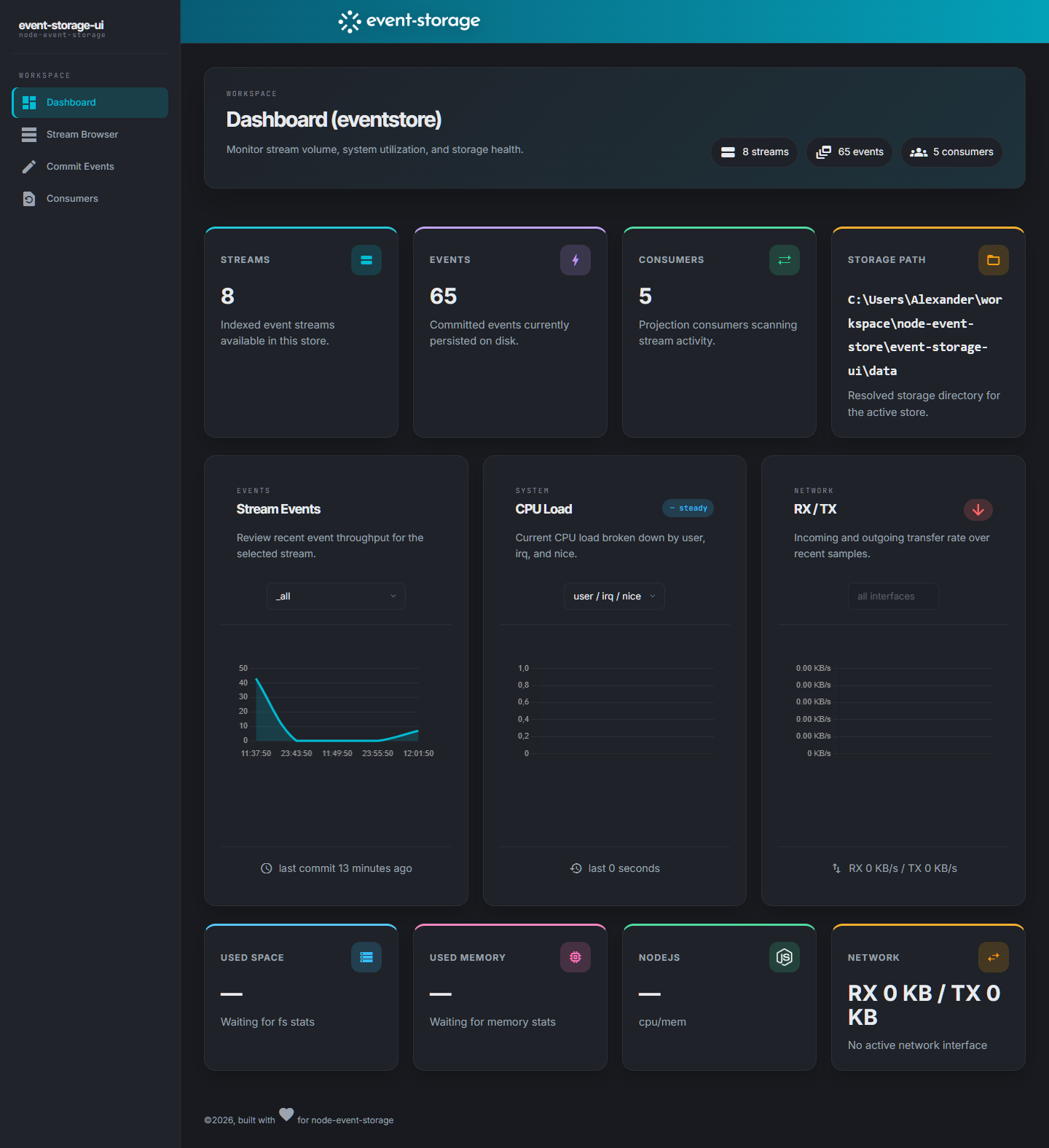
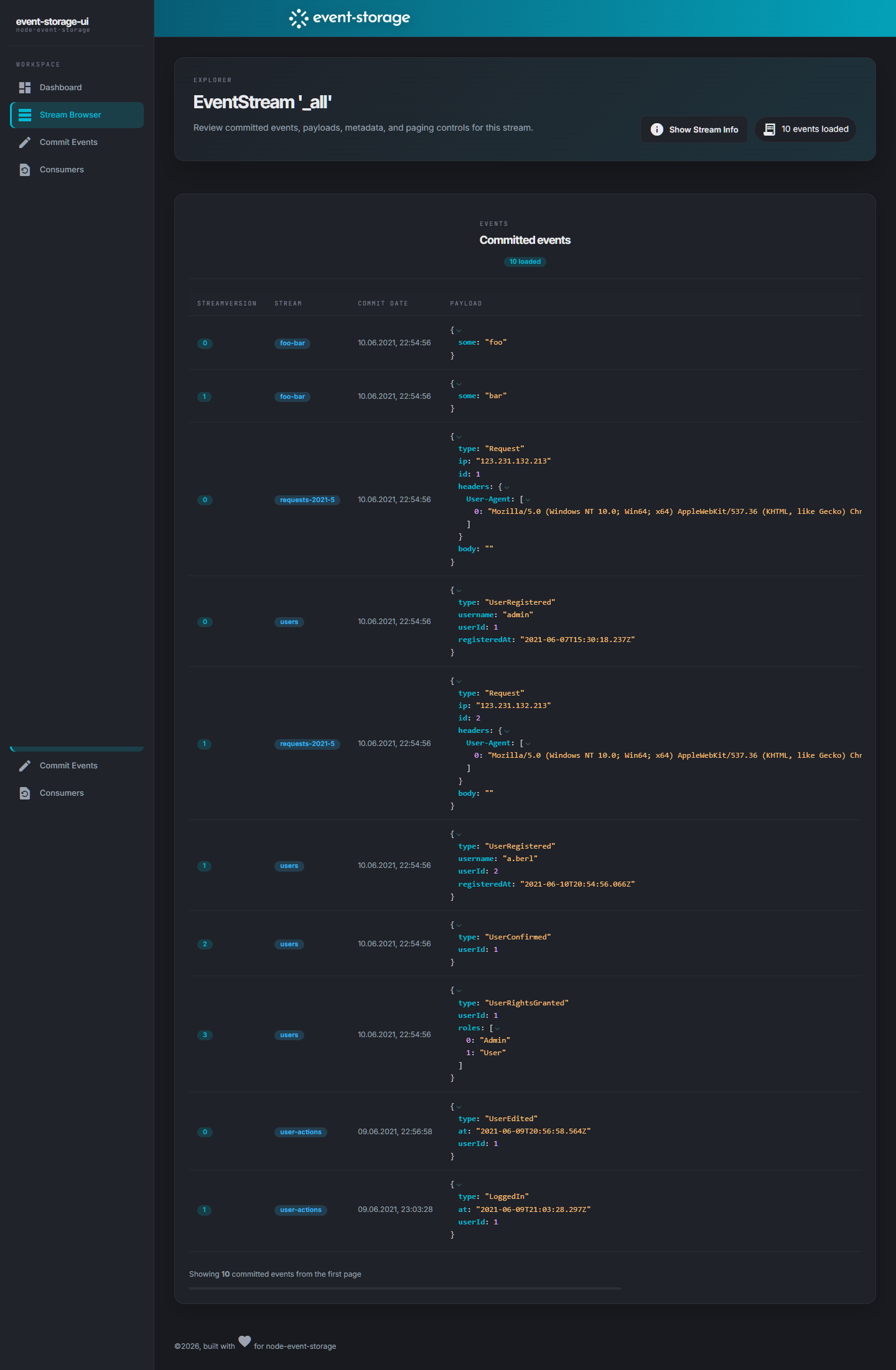
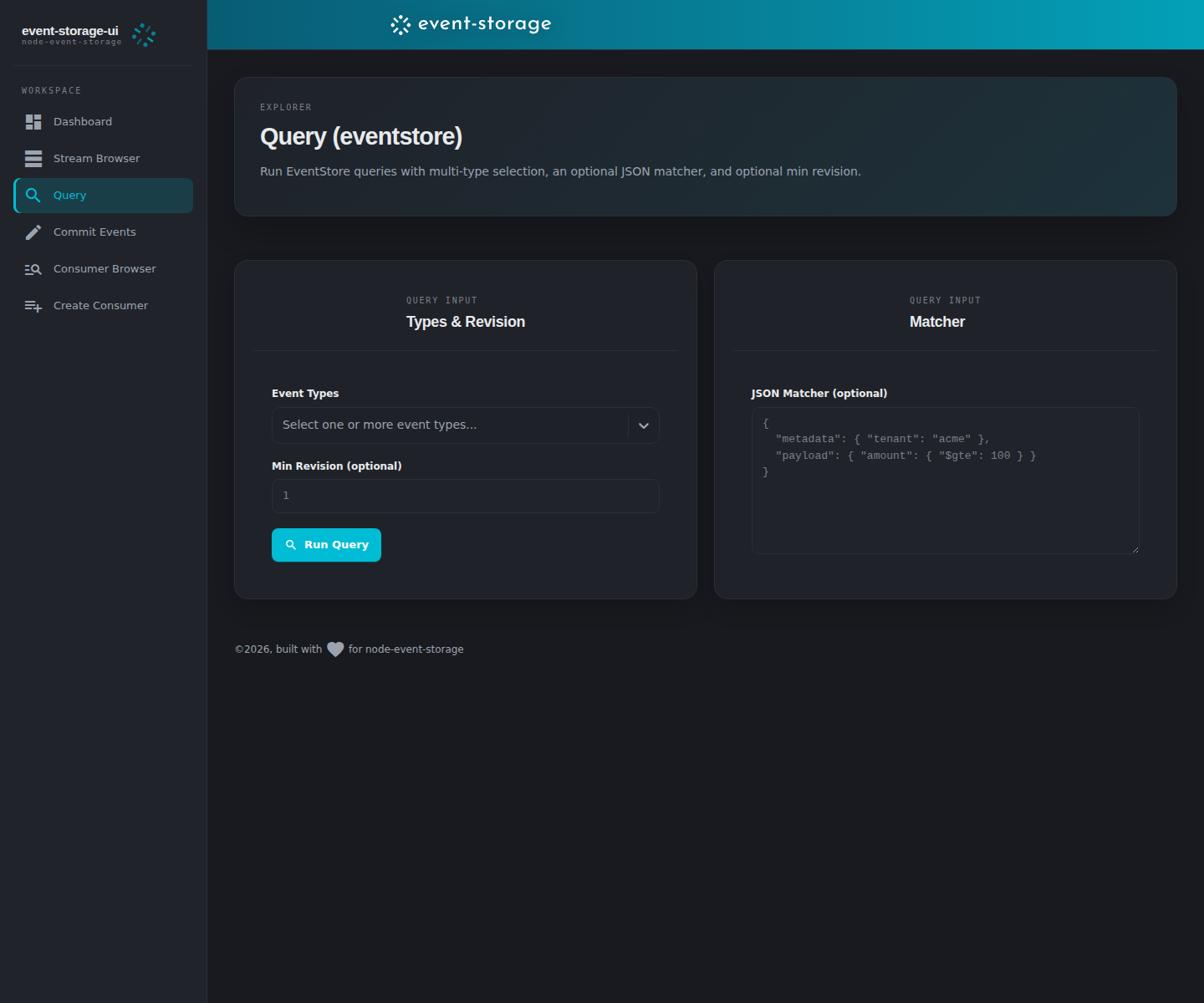
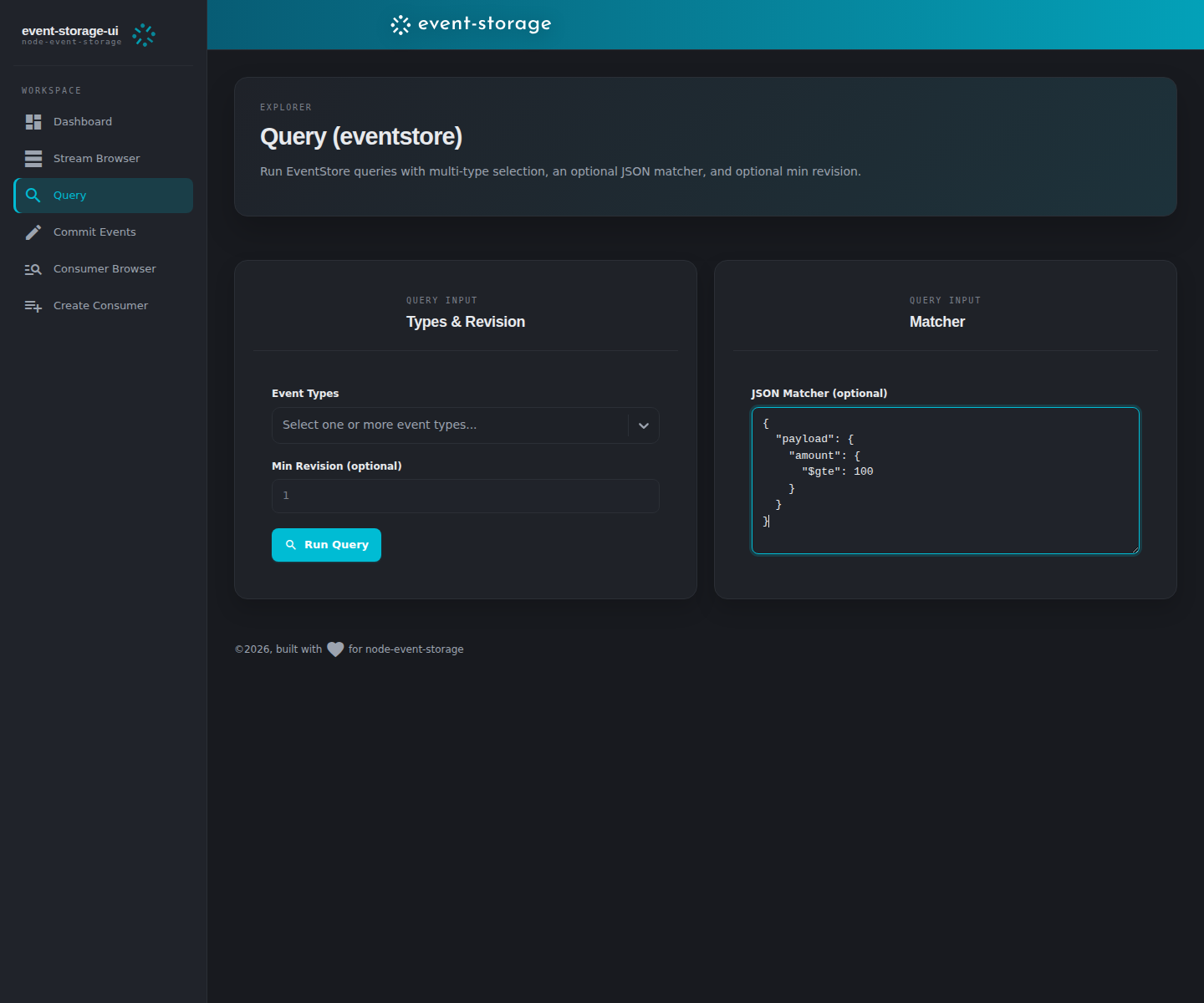
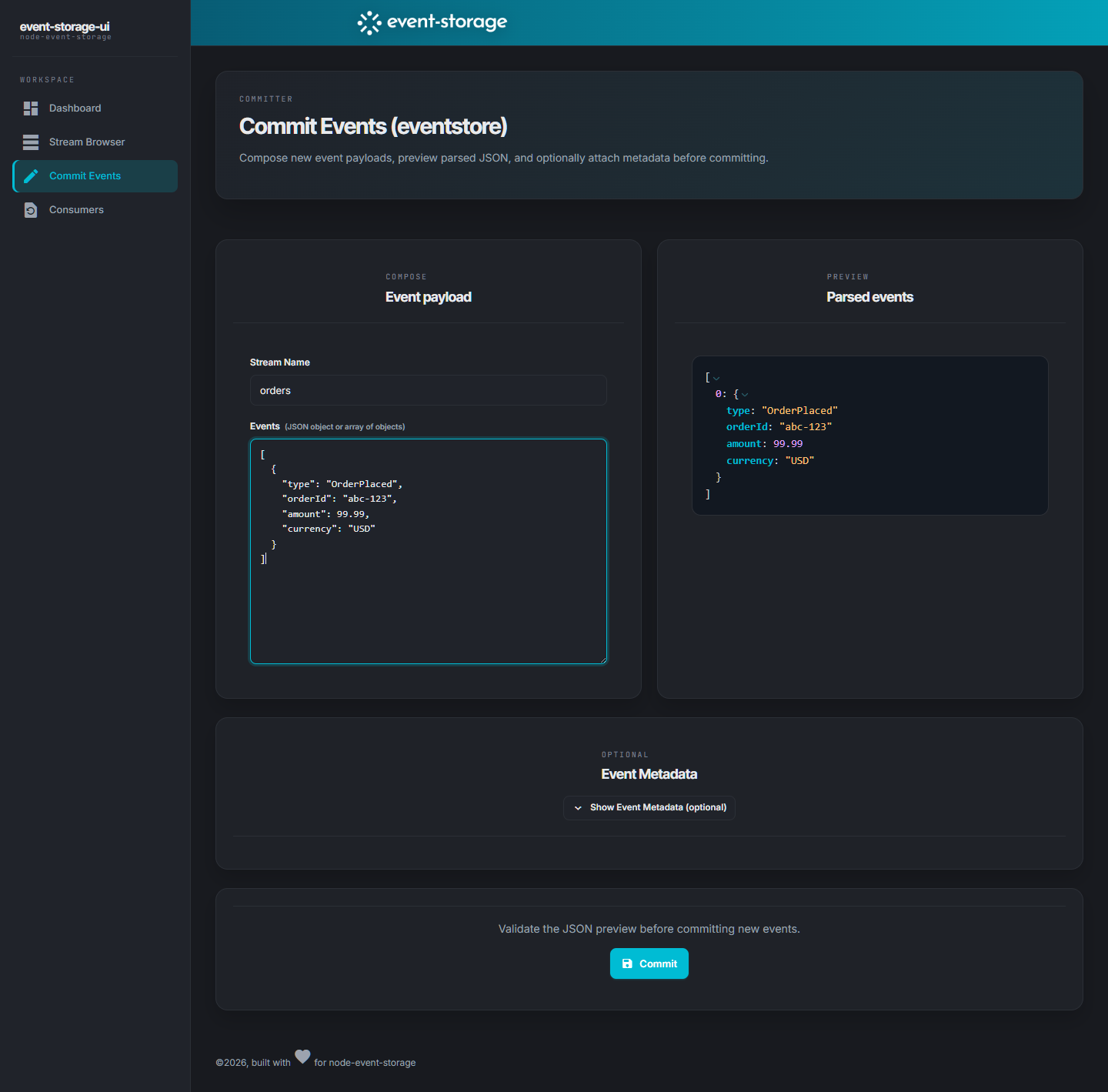
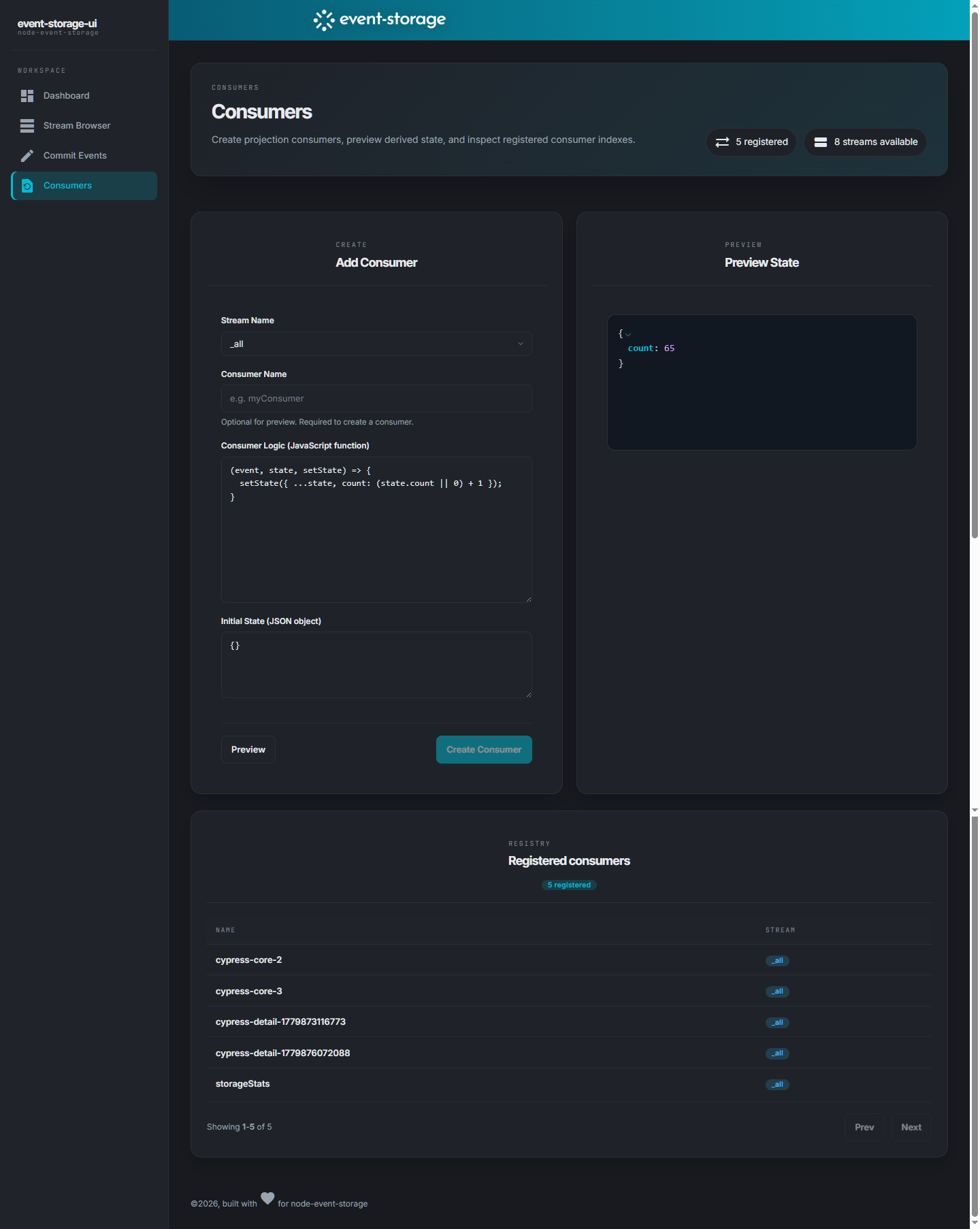
This is an admin dashboard for inspecting a running node-event-storage on the same machine. It is built using Remix with modern React and based on the Adminator theme.


git clone https://github.com/albe/node-event-storage-ui.git
cd node-event-storage-ui
npm install
npm run dev
or
npm run build && npm start
for creating a production build and running it. Make sure the webserver is not reachable from the public internet though.
The published npm package includes a prebuilt build/ directory, so another project can install it and start the UI without rebuilding first:
npm install event-storage-ui
npx event-storage-ui
You can point the UI to a custom config file path:
npx event-storage-ui --config ./path/to/eventstore.config.jsonor via environment variable:
EVENT_STORAGE_UI_CONFIG=./path/to/eventstore.config.json npx event-storage-uiThe config file is required. If the resolved config path does not exist, is not a file, or contains invalid JSON, startup fails immediately with an error.
To adjust the path to your local node-event-storage edit the eventstore.config.json file and adjust the storeName and options.storageDirectory JSON properties.
You can also protect the UI with HTTP Basic Auth by setting basicAuth.username and basicAuth.password. If either value is empty, Basic Auth is disabled.
WARNING: Never expose Basic Auth over plain HTTP in untrusted networks; use HTTPS (or a trusted private network only), because credentials are sent with every request and can be intercepted.
Configuration is loaded at server startup, so restart the app after changing eventstore.config.json.
{
  "storeName": "eventstore",
  "storesDirectory": null,
  "options": {},
  "basicAuth": {
    "username": "admin",
    "password": "change-me"
  }
}- Functional tests (used in PR CI):
npm run cypress:functional - Screenshot tests (README images only, includes automatic sync):
npm run cypress:screenshots:readme - Manual sync only (optional):
npm run screenshots:sync