
Boringdroid is a PC-class extension of AOSP. Starting from stock AOSP (supports 9.0 – 14.0), it layers a small, forward-port-friendly patchset that turns the phone-first shell into a desktop one: a real taskbar, a start menu, a mission-control-style recents surface, freeform multi- window by default, and a quiet product design that stays out of your way. The name is the ethos — each individual change is small and boring; the sum reads as a desktop OS.
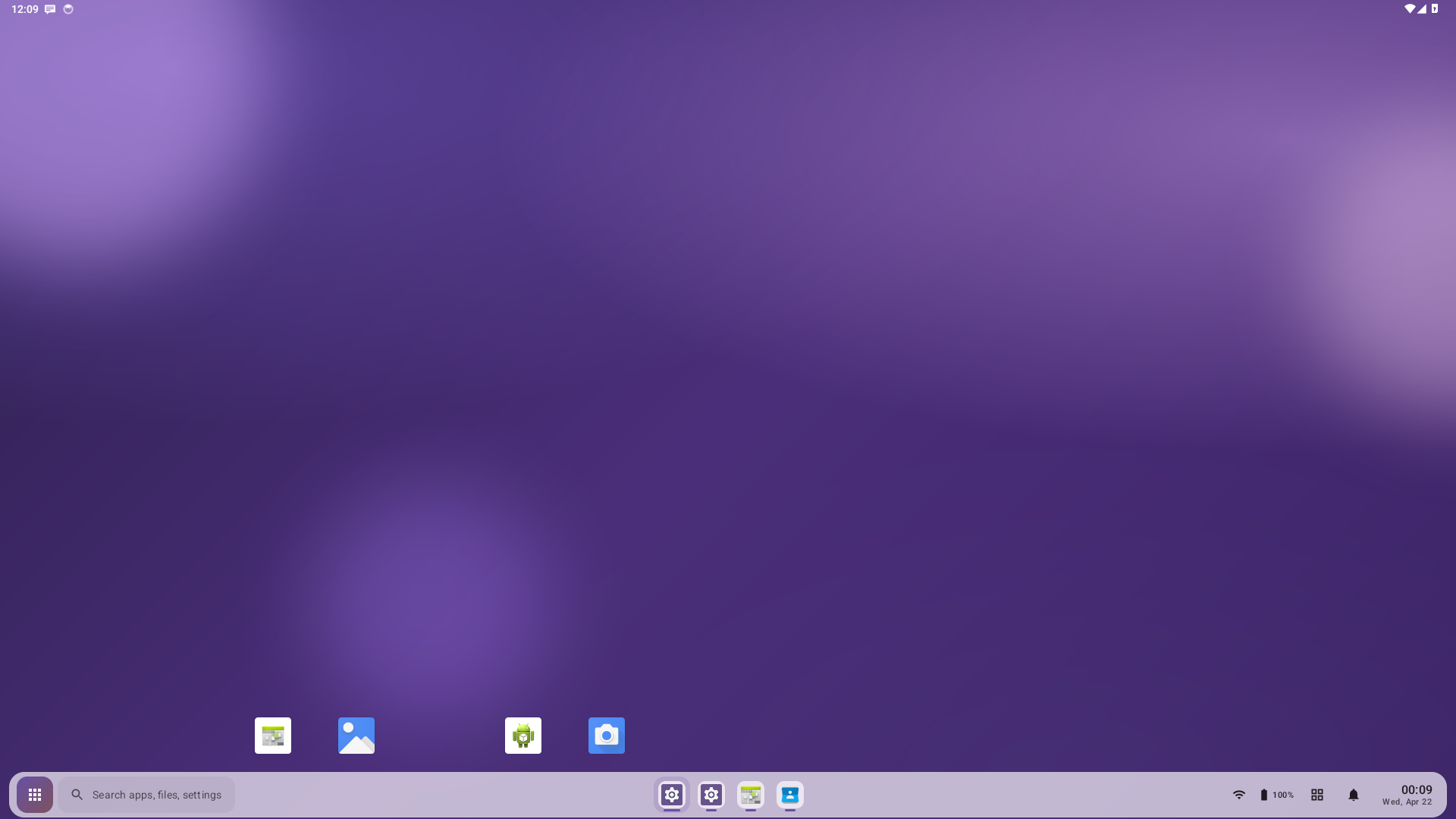
Home screen on the boringdroid_x86_64-userdebug emulator: Expressive
purple wallpaper, Launcher hotseat sitting above the taskbar, and the
boringdroid taskbar pinned at the bottom with its start pill, search
pill, centered running-app rail, and system tray.
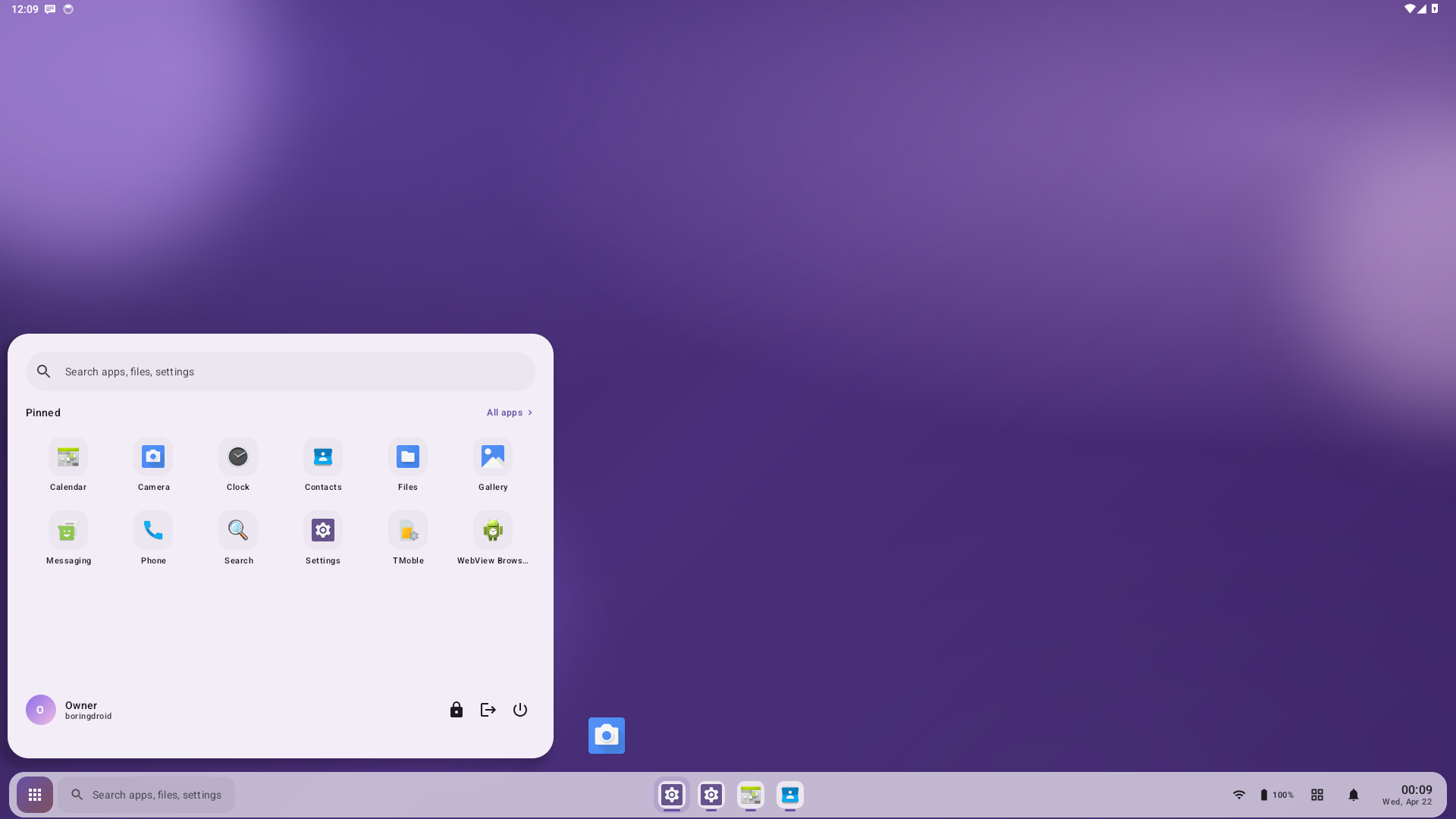
Compose-built start menu — search pill, pinned app grid, and a user rail with lock / sign-out / power. Opens from the start button, the search pill, or the Meta (Windows) key.
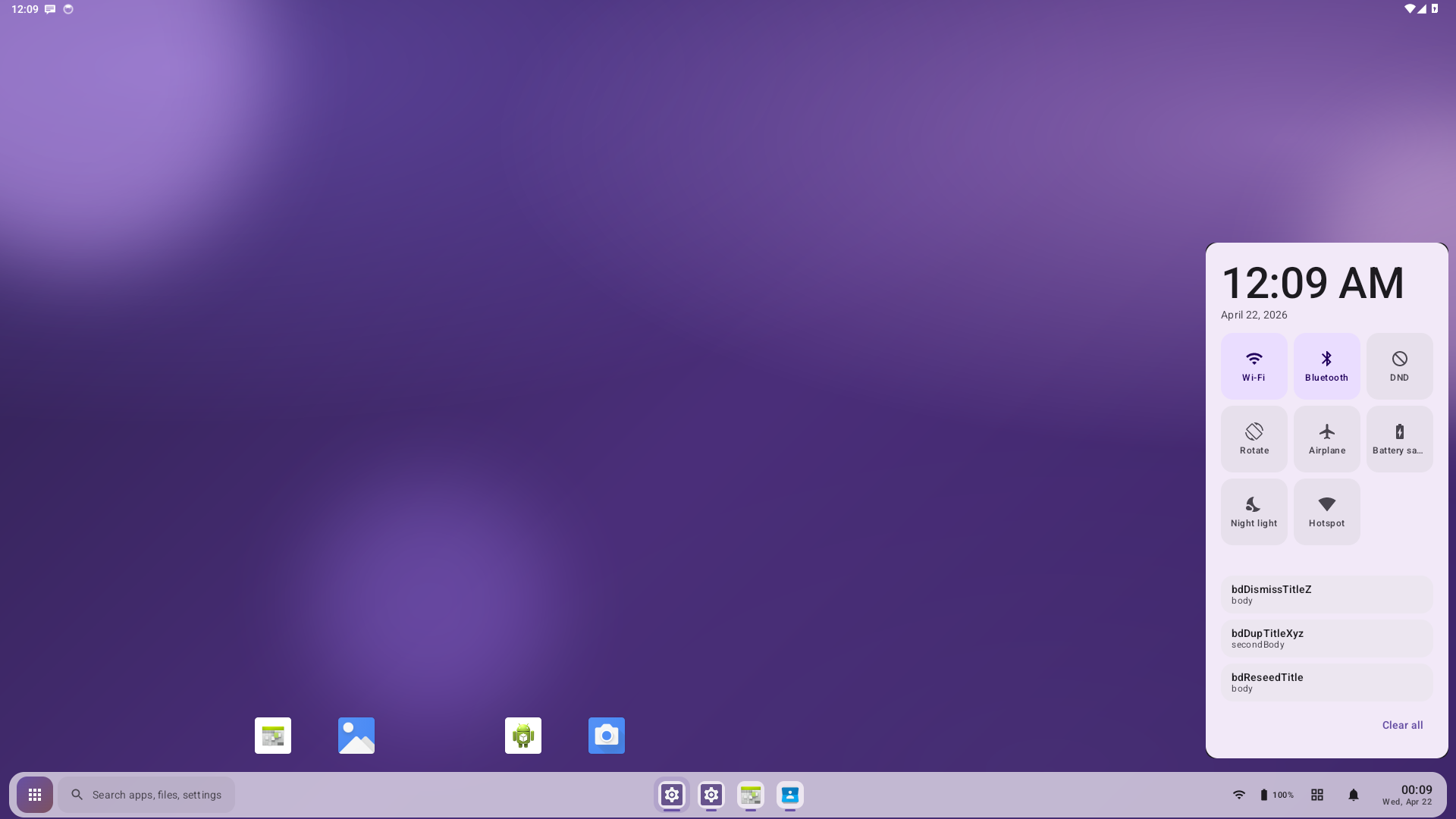
Large clock header, a 3×3 grid of named quick-settings tiles (Wi-Fi, Bluetooth, DND, Rotate, Airplane, Battery saver, Night light, Hotspot), a now-playing media card, a notification list, and a "Clear all" action. Opens on the taskbar bell.
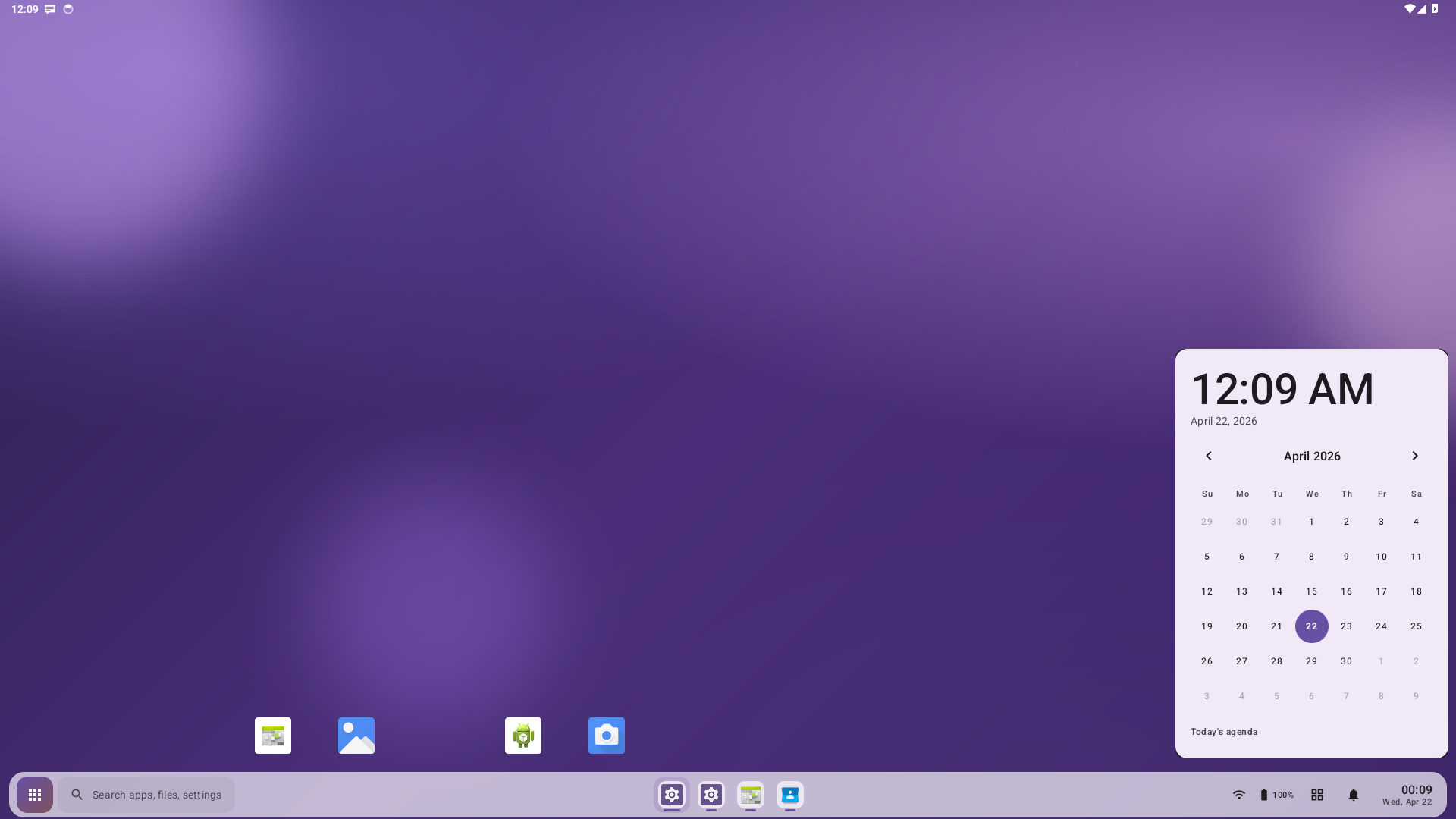
A 42-day month grid with next/previous navigation, event dots pulled
from CalendarContract.Instances, and today's agenda rendered as a
LazyColumn. Mutually exclusive with the Action Center. Opens on the
taskbar clock.
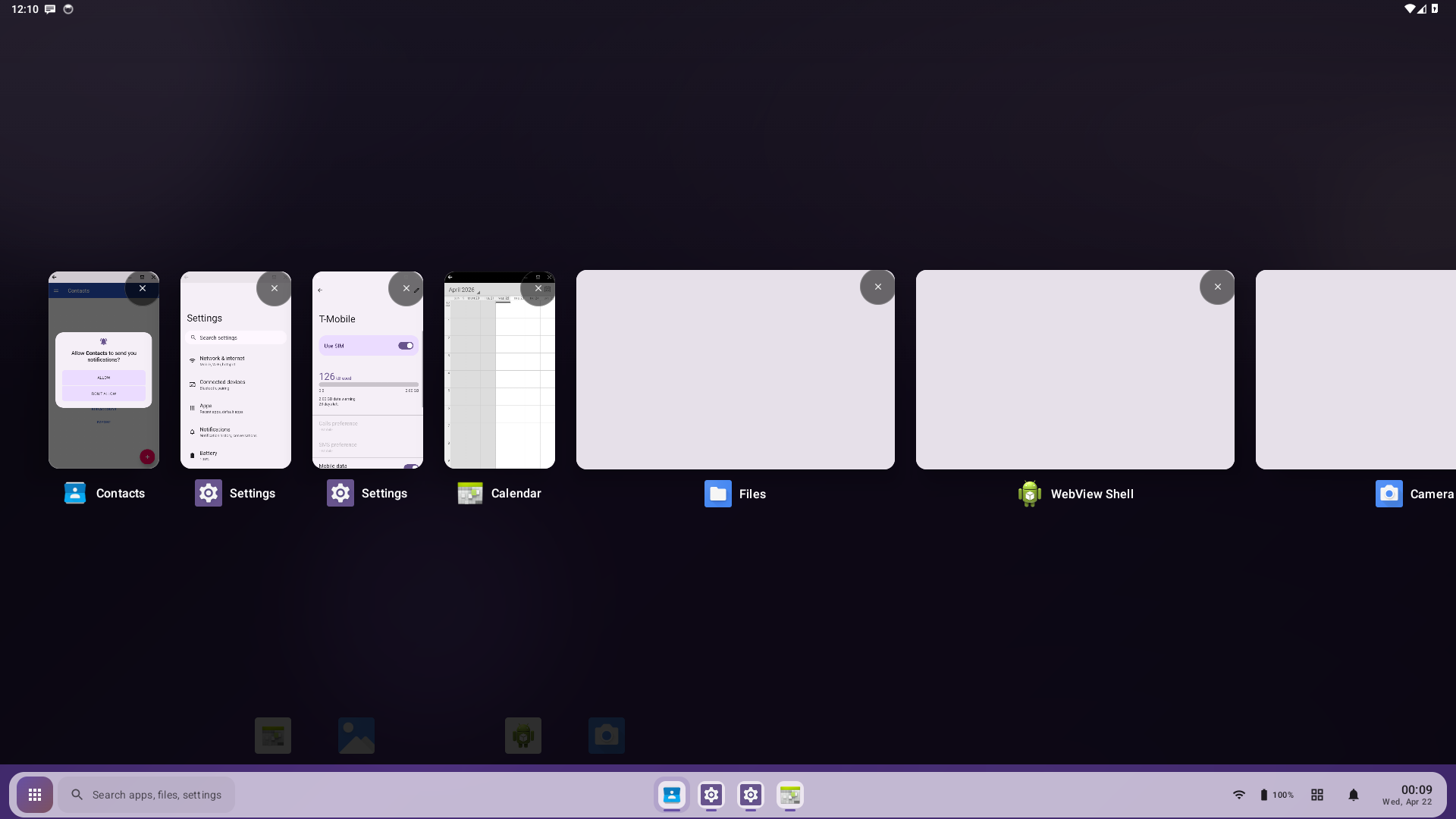
macOS-Mission-Control-style expo. Each card is sized to its real window bounds under a common scale, so portrait popups read as portrait and landscape freeform windows read as landscape. Opening and closing the surface flies cards between their real on-screen positions and their grid slots. Tapping a thumbnail or its caption brings the task back to front. Triggered by the taskbar's recents button or Alt+Tab.
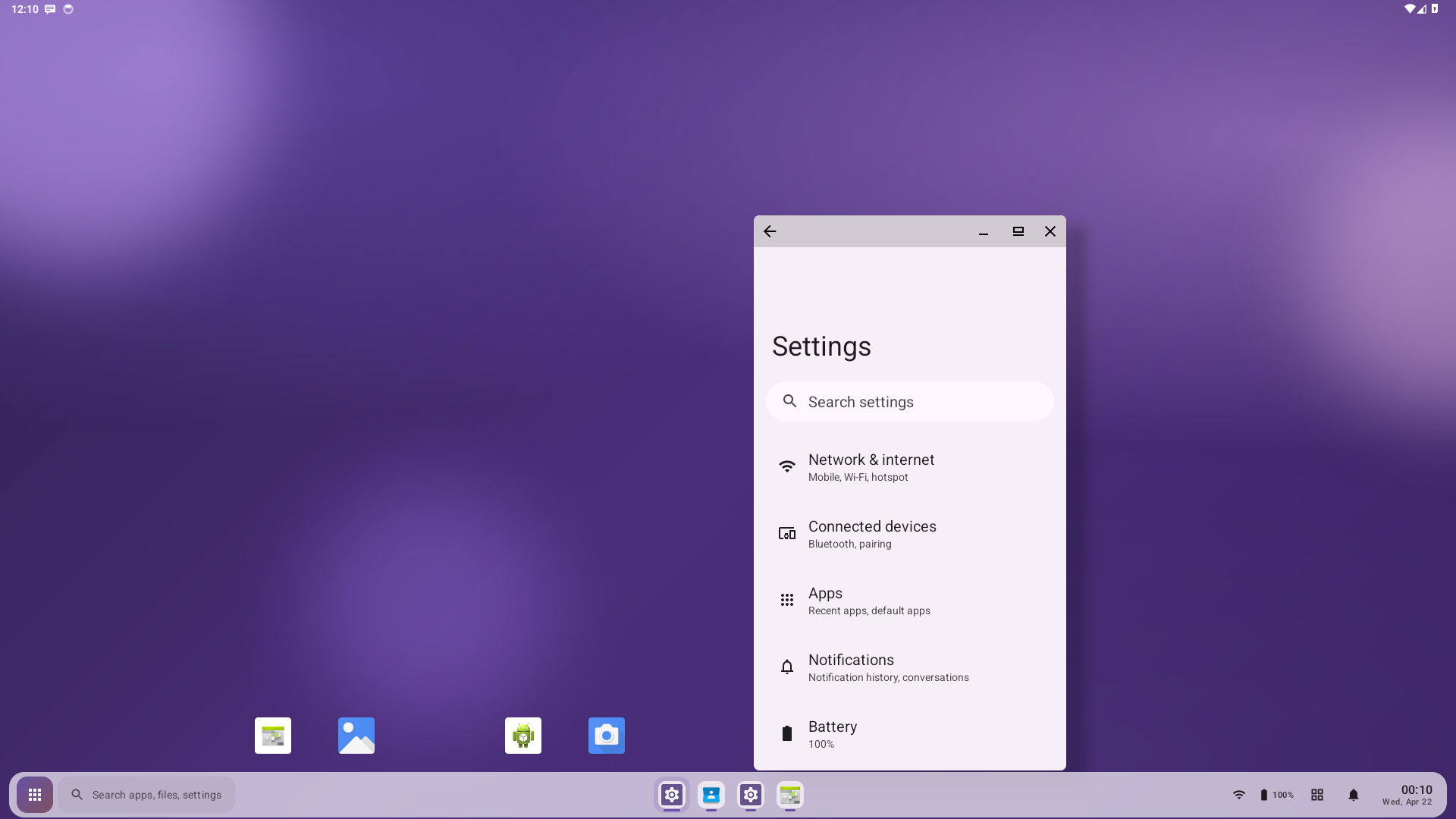
config_freeformWindowManagement = true ships by default. Any app opens
in a resizable freeform window with minimize / maximize / close in the
titlebar; the framework persists each app's window bounds and mode
across sessions.
