Does heavy metal actually get you through a deadline faster than drum and bass? Is lo-fi hip hop secretly a placebo? Would your throughput improve if you just committed to symphonic black metal for every sprint?
Workify won't settle the argument in the group chat, but it will show you the receipts. It's a demo oof a personal informatics web app that plugs into your Spotify listening history, tracks your work sessions, and correlates the two - so instead of vibes-based claims about "focus music," you get an actual chart.
Built by a team of 7 students as a university group project.
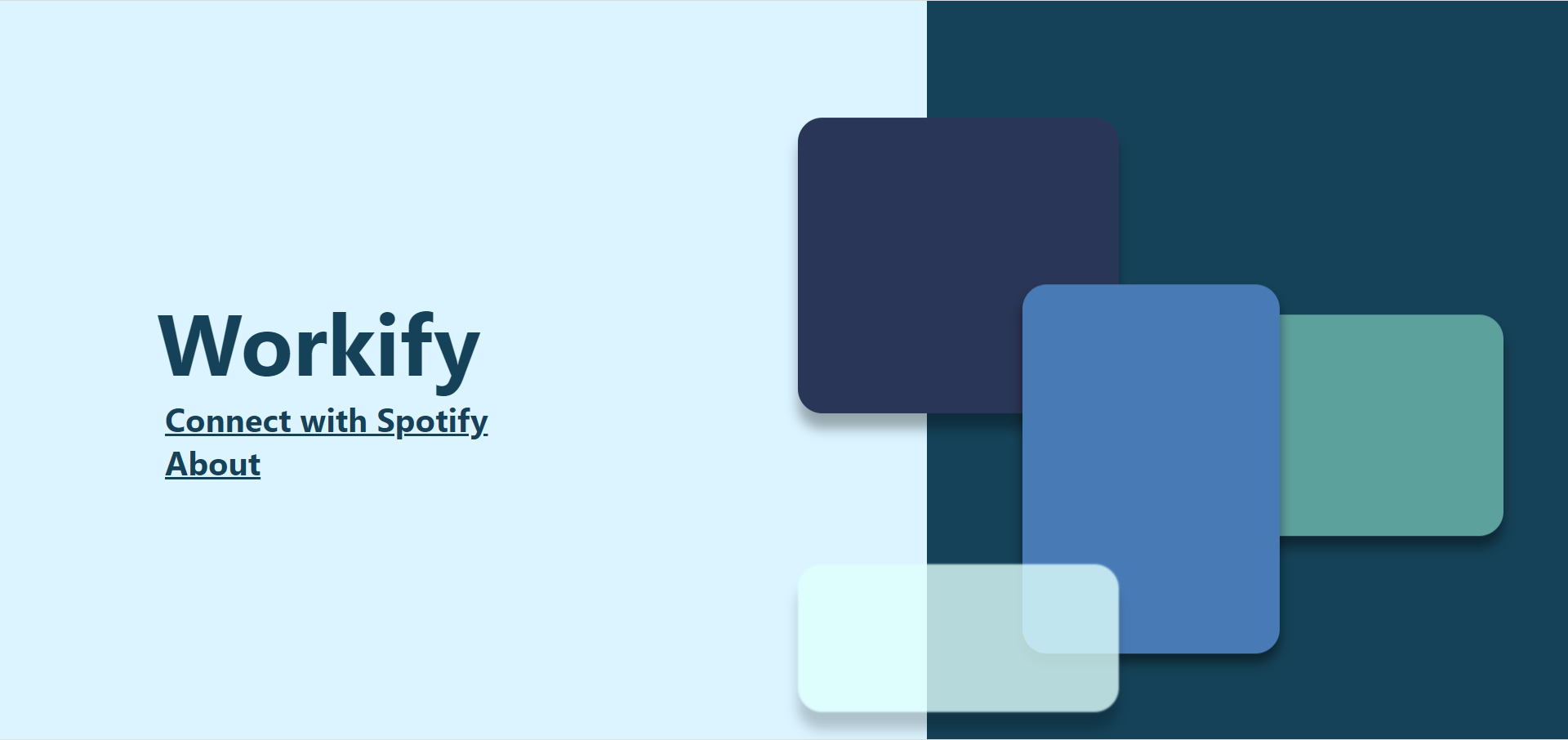
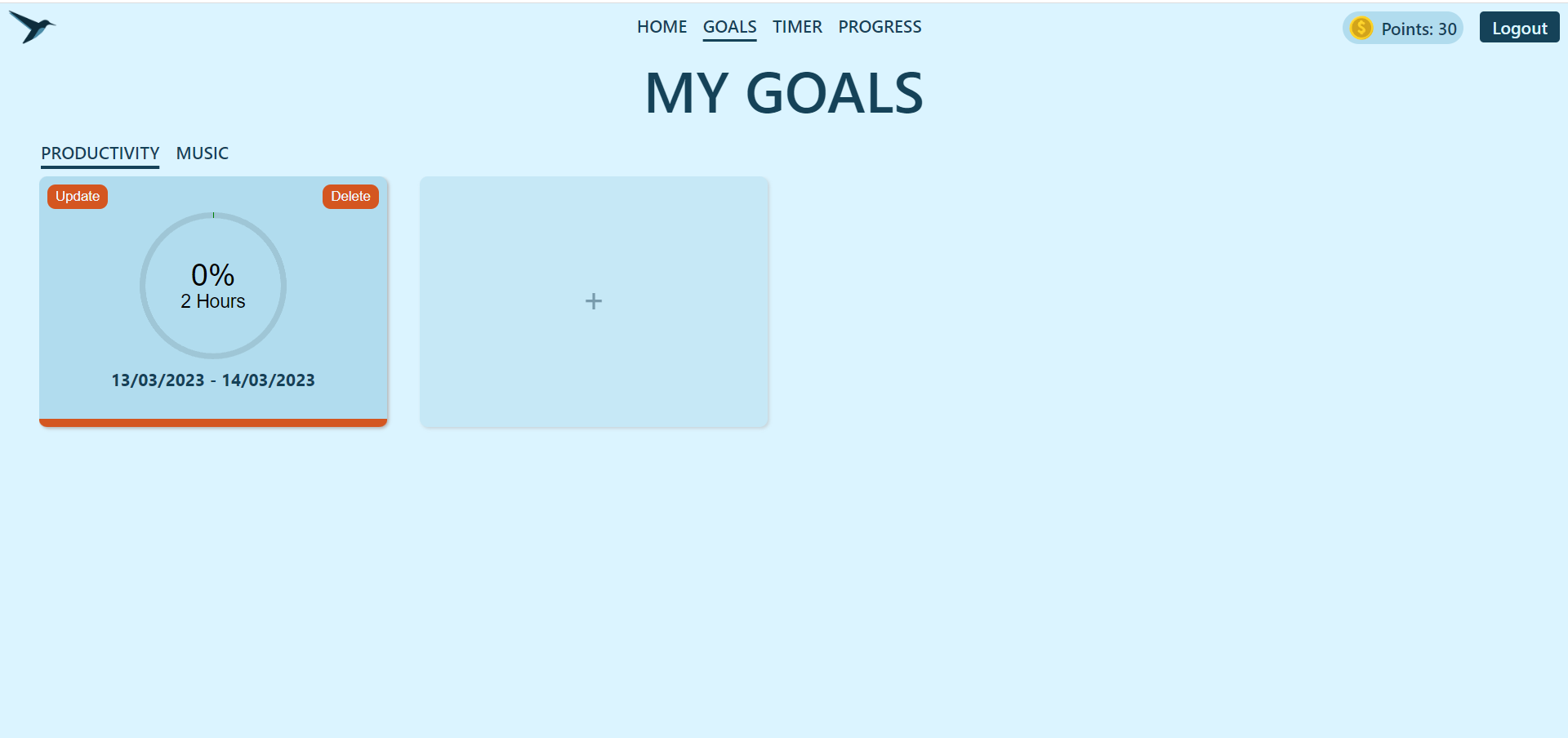
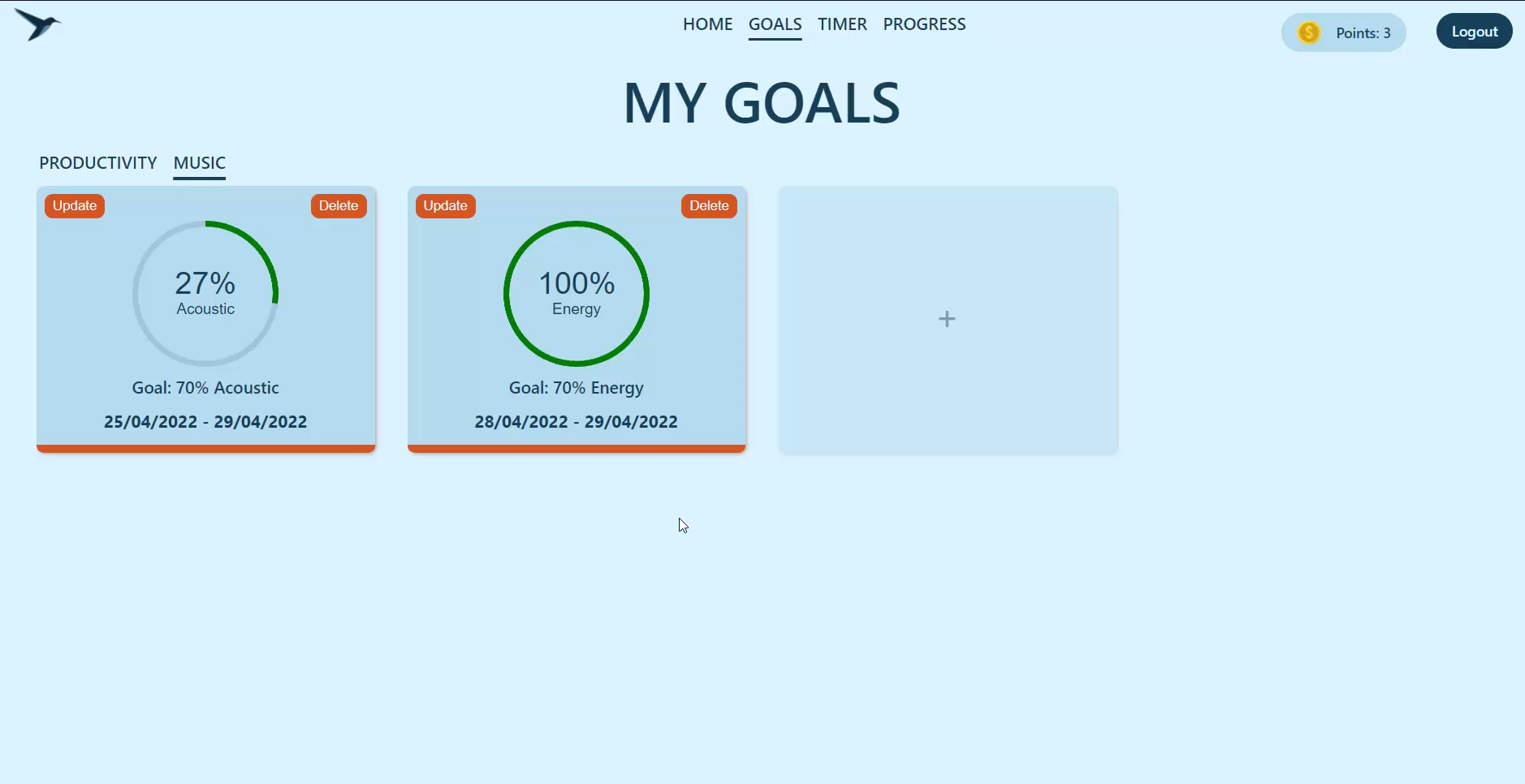
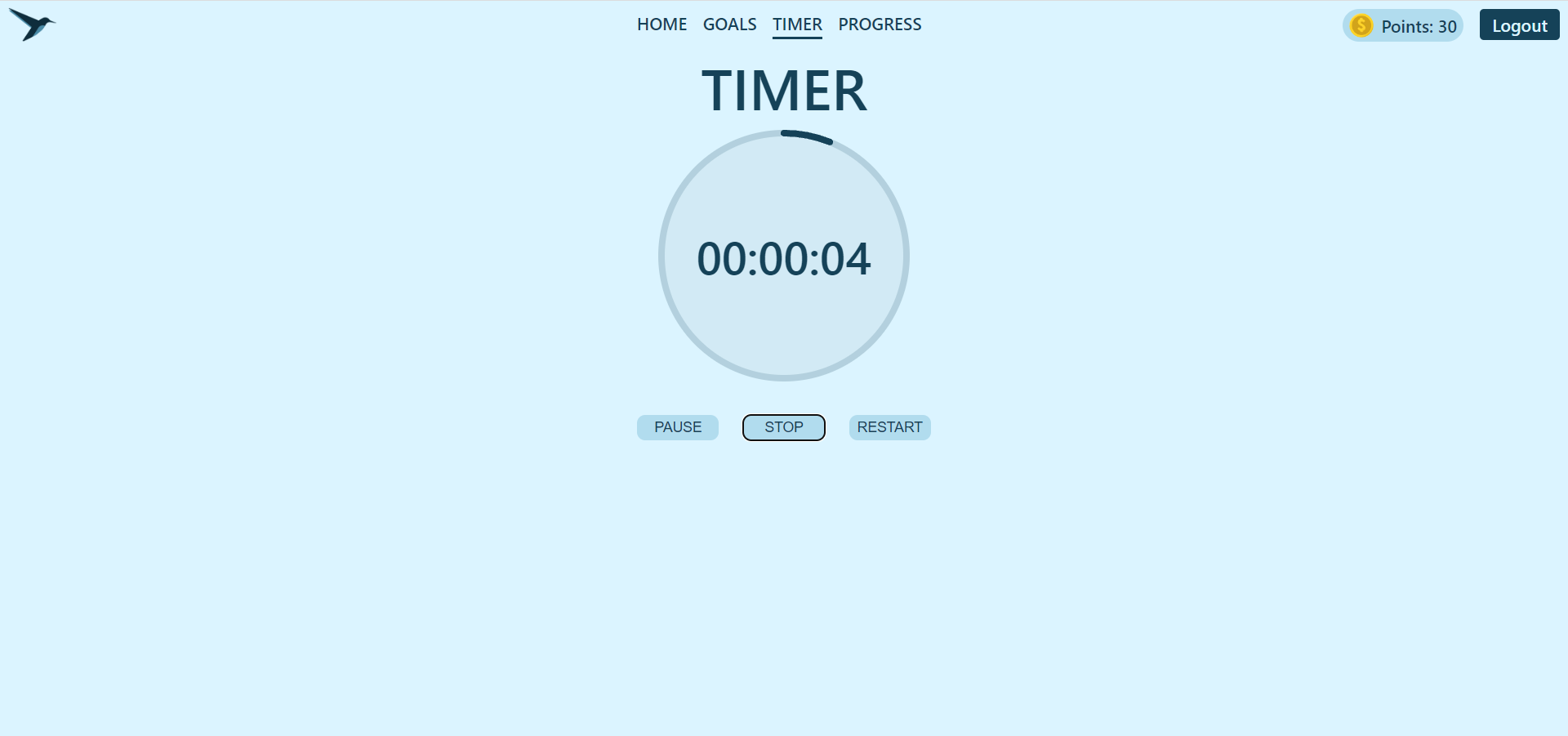
- Log in with Spotify. OAuth handles authentication - no separate Workify account needed.
- Run a work timer, then self-rate how productive that session felt. Higher ratings earn you more points (a bit of gamification to keep you honest about actually working).
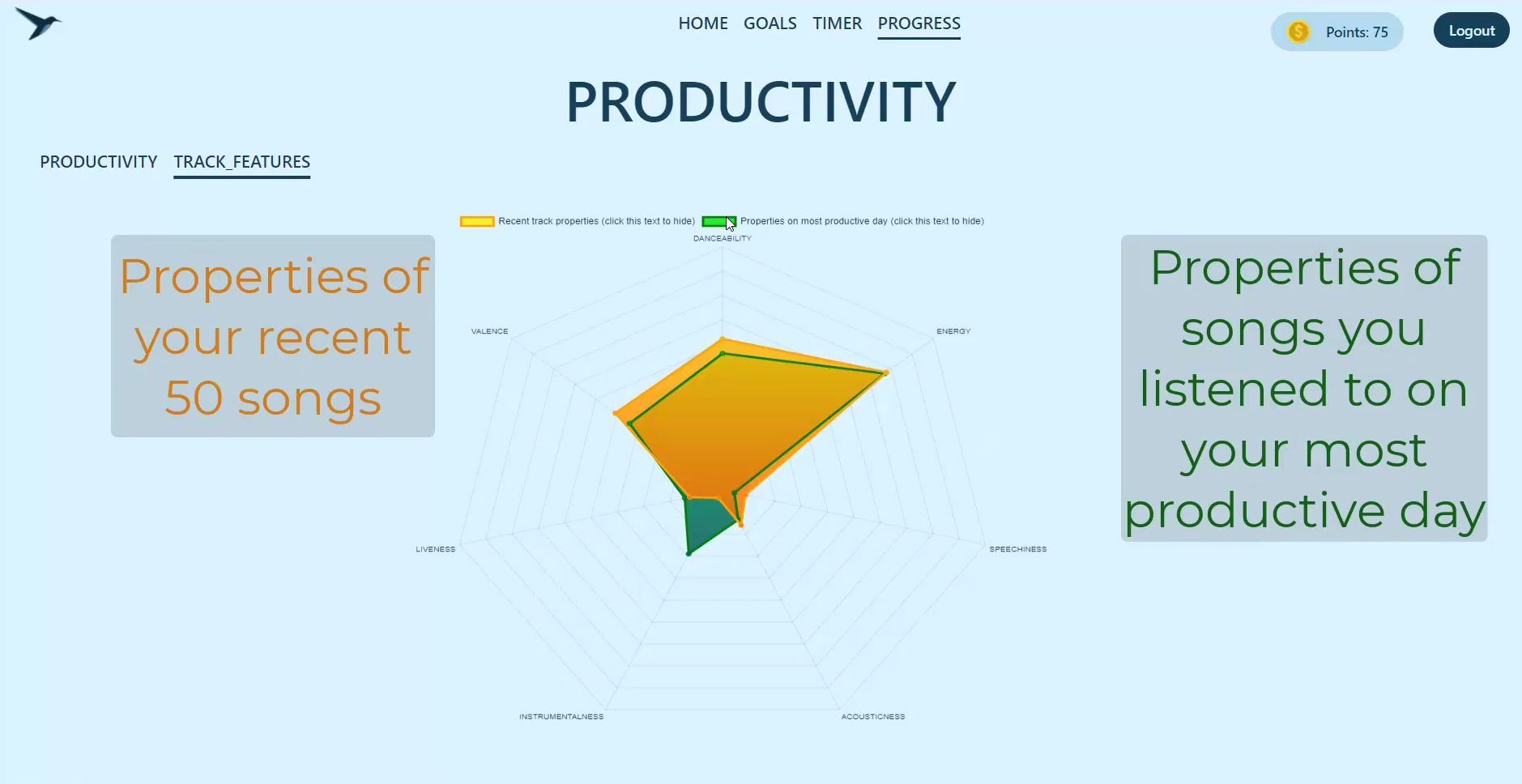
- Workify quietly pulls your recently-played tracks from the Spotify API after each session and stores their audio features - danceability, energy, valence, acousticness, instrumentalness, liveness, speechiness.
- Set goals, either productivity goals (hit X hours in a date range) or music goals (keep a given audio feature above a target percentage).
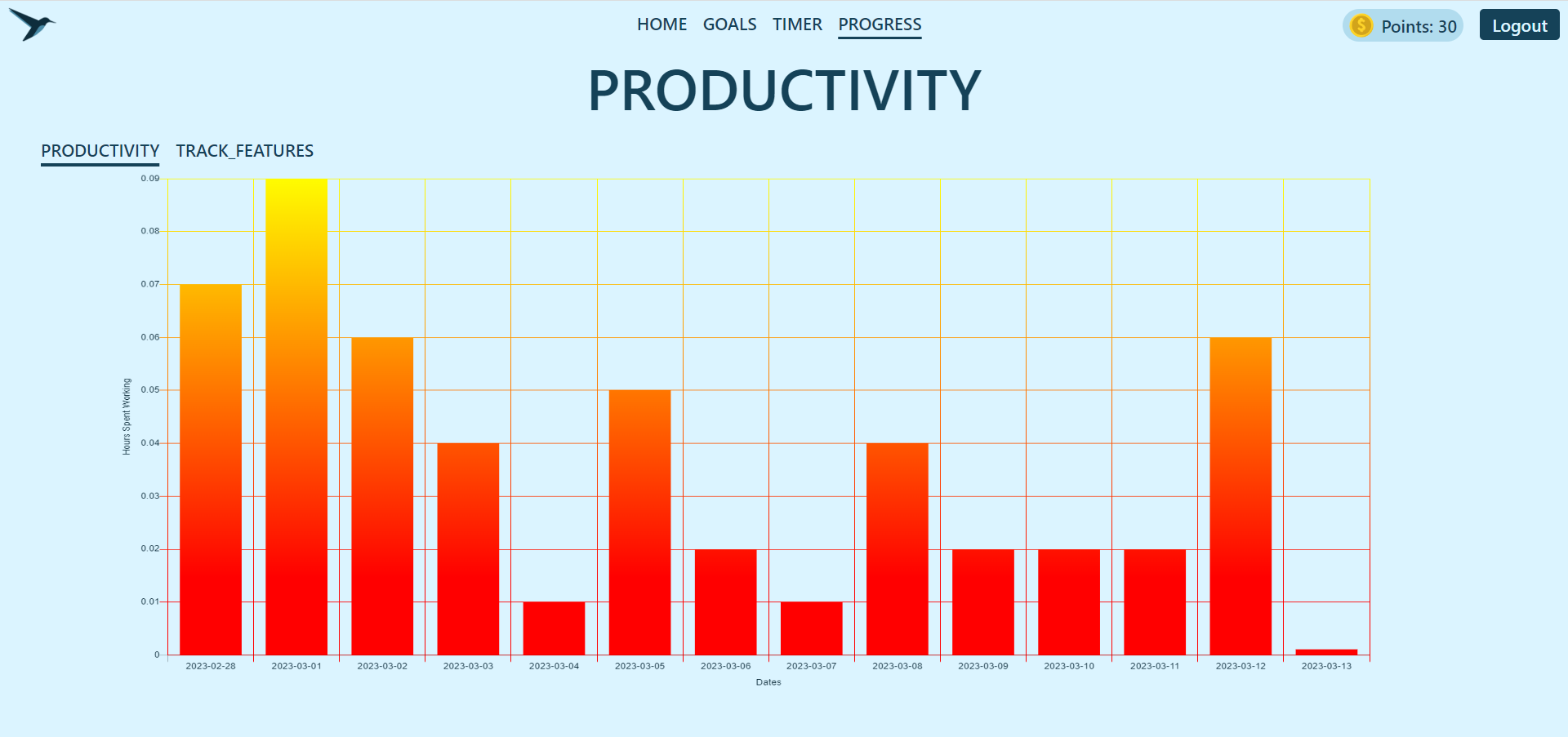
- Check the progress dashboard to see session time over the last two weeks, and to compare the audio profile of your best day against your average - this is where you find out if your most productive day really was the one you spent inexplicably listening to power ballads on repeat.
- Backend: Python 3 / Flask, using Flask-Classful for class-based views (one view class per feature area: landing/auth, home, goals, timer, progress).
- Auth: Flask-Login for session management, Spotify OAuth (authorization code flow) for identity - the app never asks users for a password of its own.
- Database: SQLite via Flask-SQLAlchemy. Schema covers
Users,Goals(productivity),MusicGoals,WorkSessions,Tracks, andTrackHistory- see db_schema.py. - External API: Spotify Web API for authentication, recently-played tracks, and audio-features lookups, wrapped in a small client in music_utils.py.
- Frontend: Server-rendered Jinja2 templates, vanilla JS, and Chart.js for the productivity/audio-feature graphs.
- Tests: Python
unittestcovering the database access layer (see Unit Tests/database_test.py).
Browser  <-->  Flask (views.py, class-based routes)  <-->  SQLite (db_schema.py)
                        |
                        v
              Spotify Web API (OAuth, recently-played, audio-features)
Each work session recorded via the timer triggers a fetch of recently-played tracks, which get persisted alongside their Spotify audio features. The progress view then aggregates WorkSessions and TrackHistory over a rolling window to build the comparison charts.
- Install dependencies:
pip install -r Webapp/requirements.txt - Create a Spotify app in the Spotify Developer Dashboard and set its redirect URI to match
REDIRECT_URIbelow. - Add a
Webapp/.envwith:SECRET_KEY=your-flask-secret DB_NAME=workify.sqlite CLIENT_ID=your-spotify-client-id CLIENT_SECRET=your-spotify-client-secret REDIRECT_URI=http://127.0.0.1:8000/callback/ - From
Webapp/, run:The app starts on portflask run8000(configured via.flaskenv).
python -m unittest discover "Unit Tests"
Log some sessions, log some music, and let the progress page do the arguing for you.