A modern digital pilot logbook you can actually own. Log flights in seconds, track EASA and FAA currency automatically, get training flights signed by your instructor, and export everything whenever you want. Use the free hosted version at app.ninerlog.com, or self-host the whole stack with one docker compose up.


Website · Launch the app · Self-hosting guide · Features
# 1. Clone this repo
git clone https://github.com/fjaeckel/ninerlog.git
cd ninerlog

# 2. Configure environment
cp .env.example .env
# Edit .env — at minimum set JWT_SECRET, REFRESH_SECRET, POSTGRES_PASSWORD

# 3. Start everything
docker compose up -d

# 4. Open NinerLog
# Visit http://localhost in your browser
The stack pulls pre-built, publicly available images from GitHub Container Registry — no login, no build step, no toolchain to install. For HTTPS with a real domain, see docs/HTTPS.md.
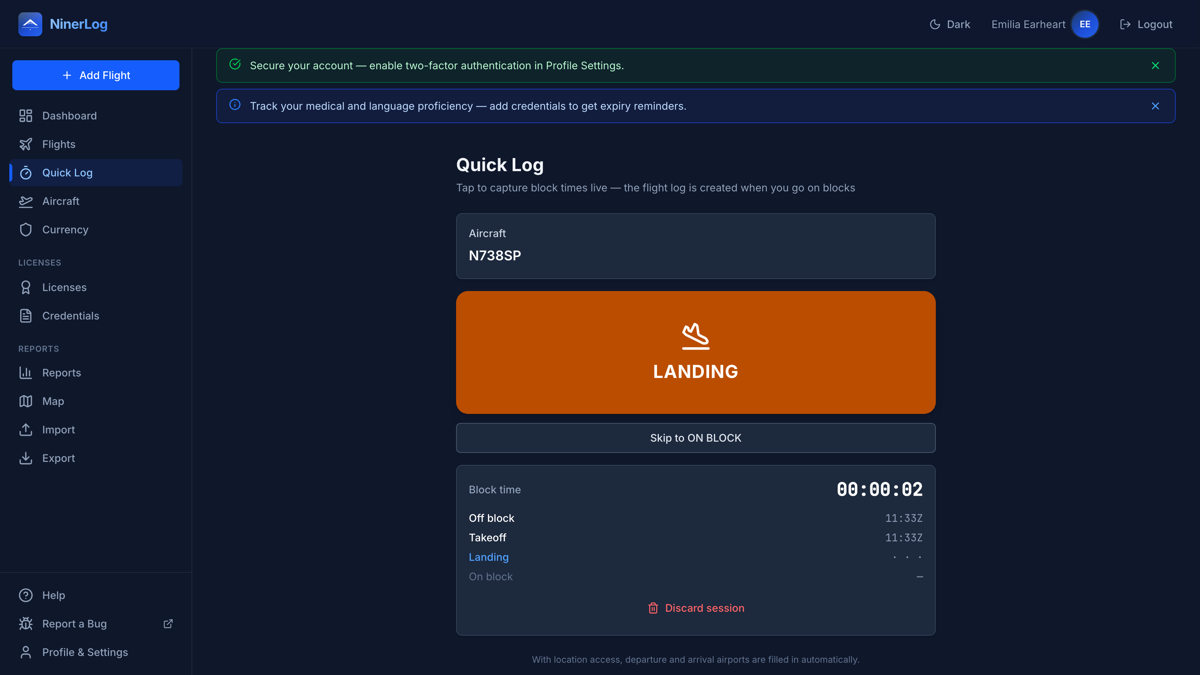
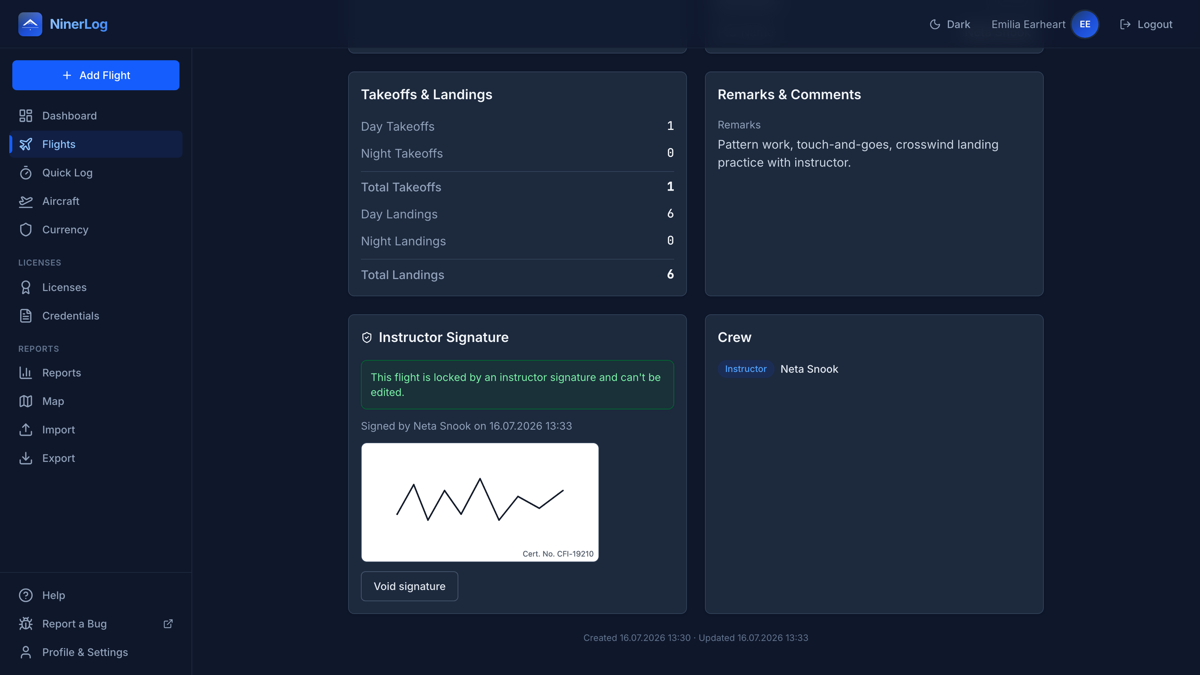
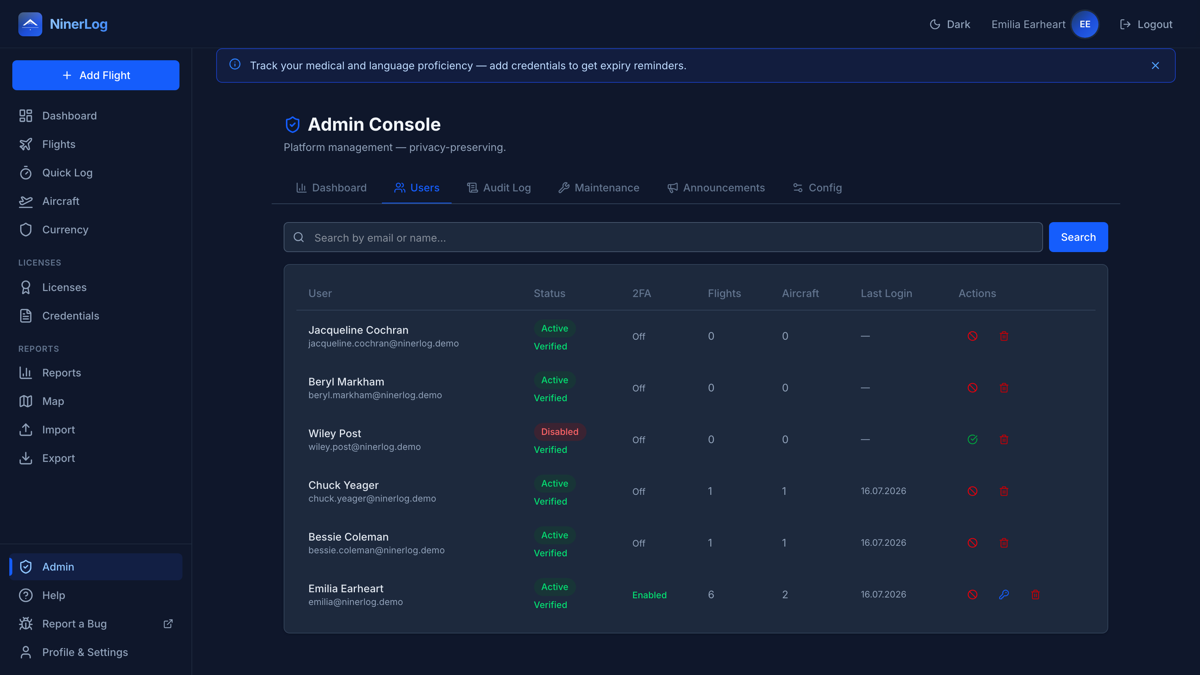
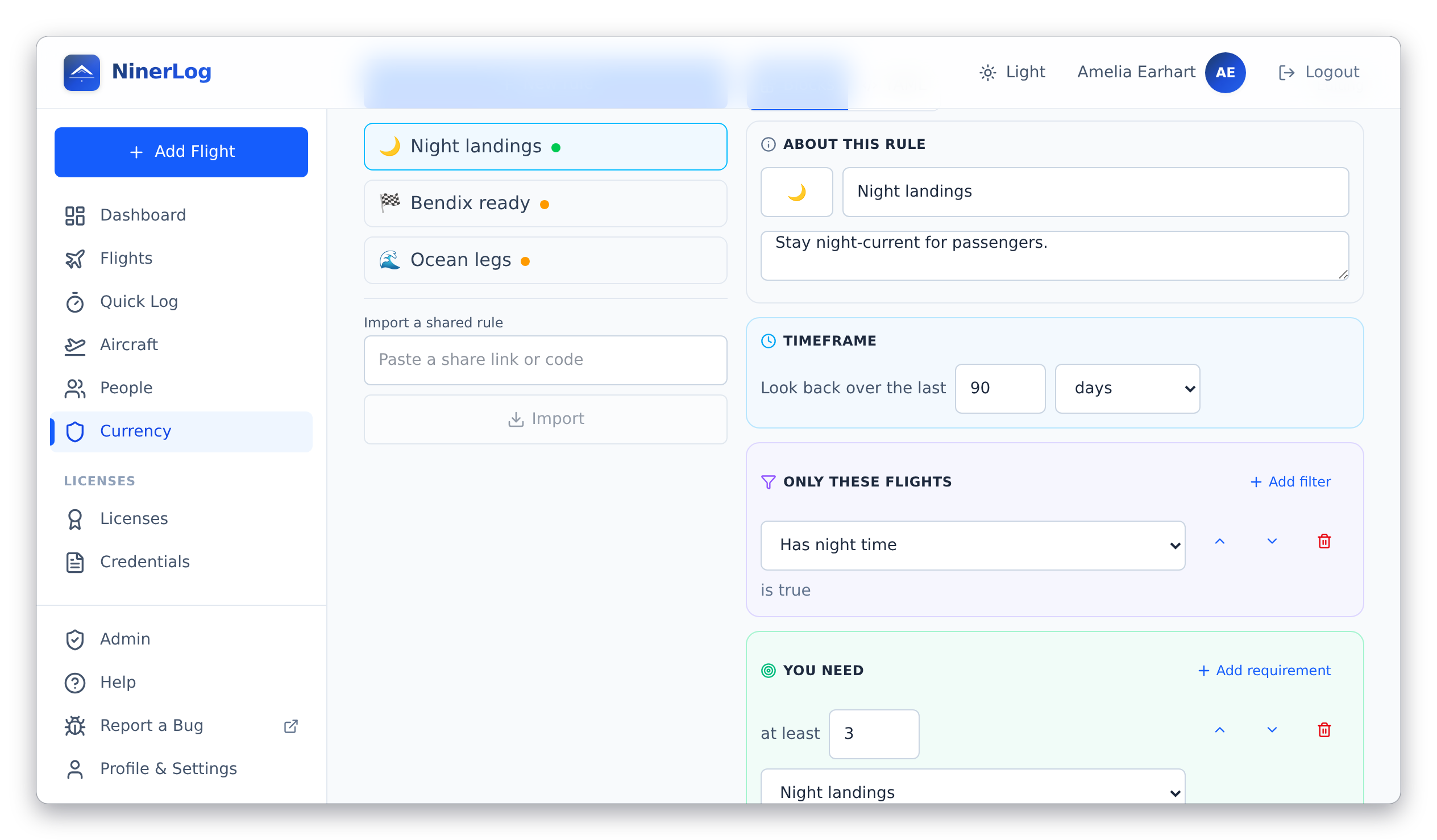
Every screenshot follows your theme — light and dark. The demo logbook they show is a small homage to the famous women of aviation: Amelia Earhart's flights, her Lockheed Vega and Electra, Neta Snook signing the training flight, and a Ninety-Nines member roster on the admin console.
Quick Log — a flight logs itself, one tap per milestone:

| Quick Log — live block times | Currency tracking |
|---|---|
 |
 |
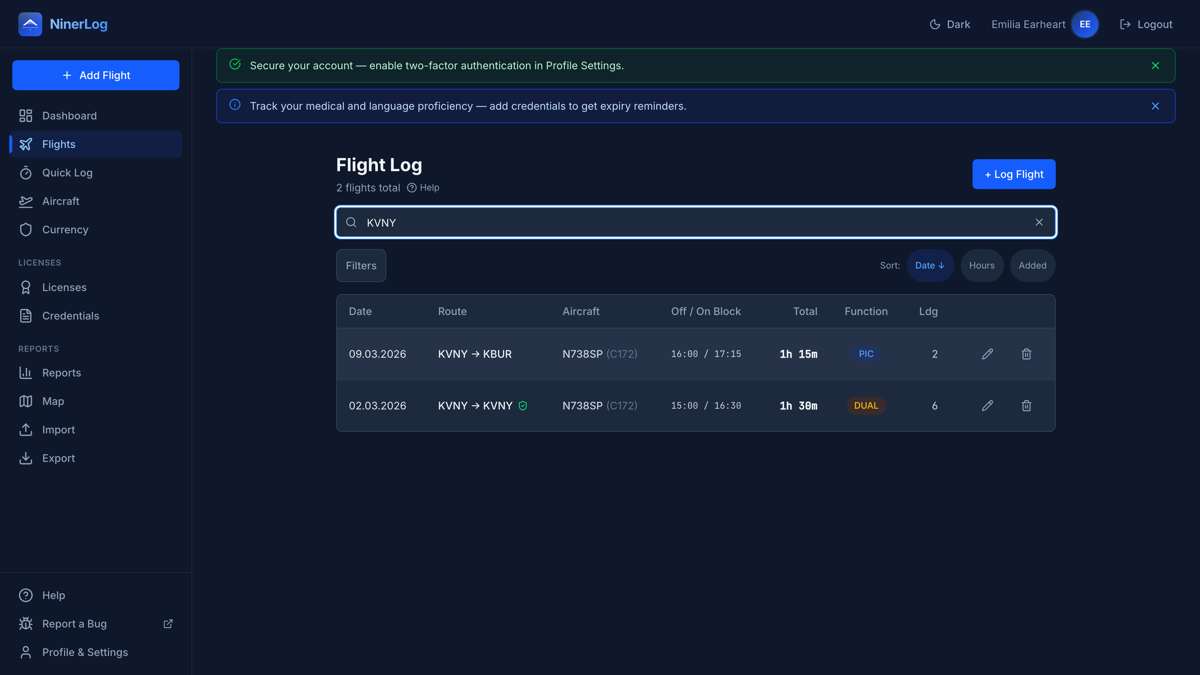
| Instructor signing | Flight search |
|---|---|
 |
 |
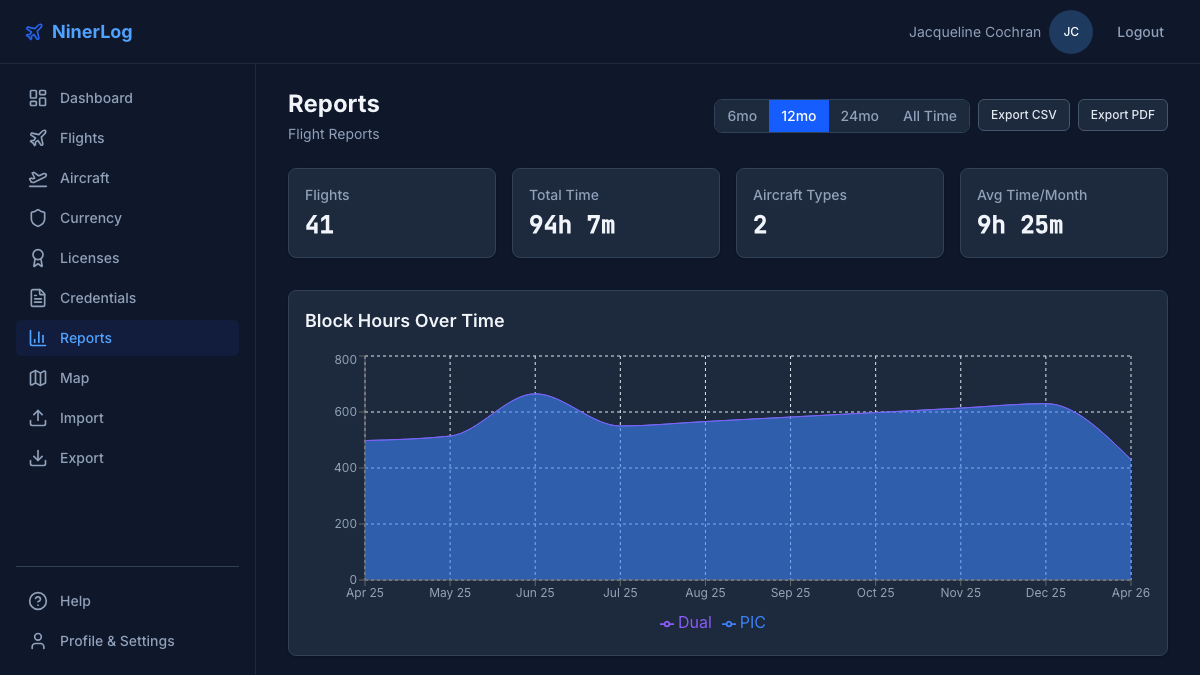
| Reports & statistics | Flying club admin |
|---|---|
 |
 |
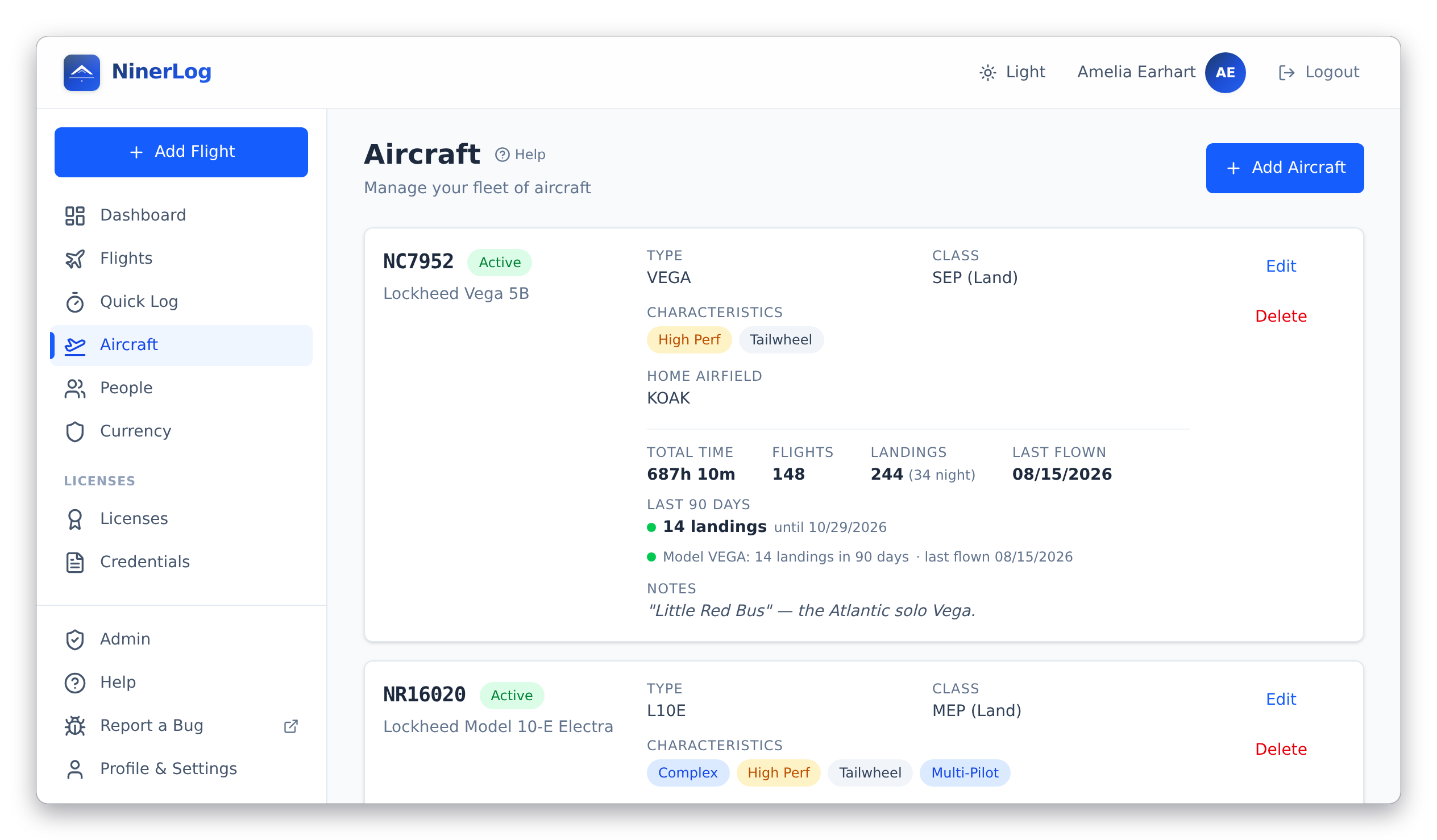
| Fleet insights | Custom currency rules |
|---|---|
 |
 |
Flight logging
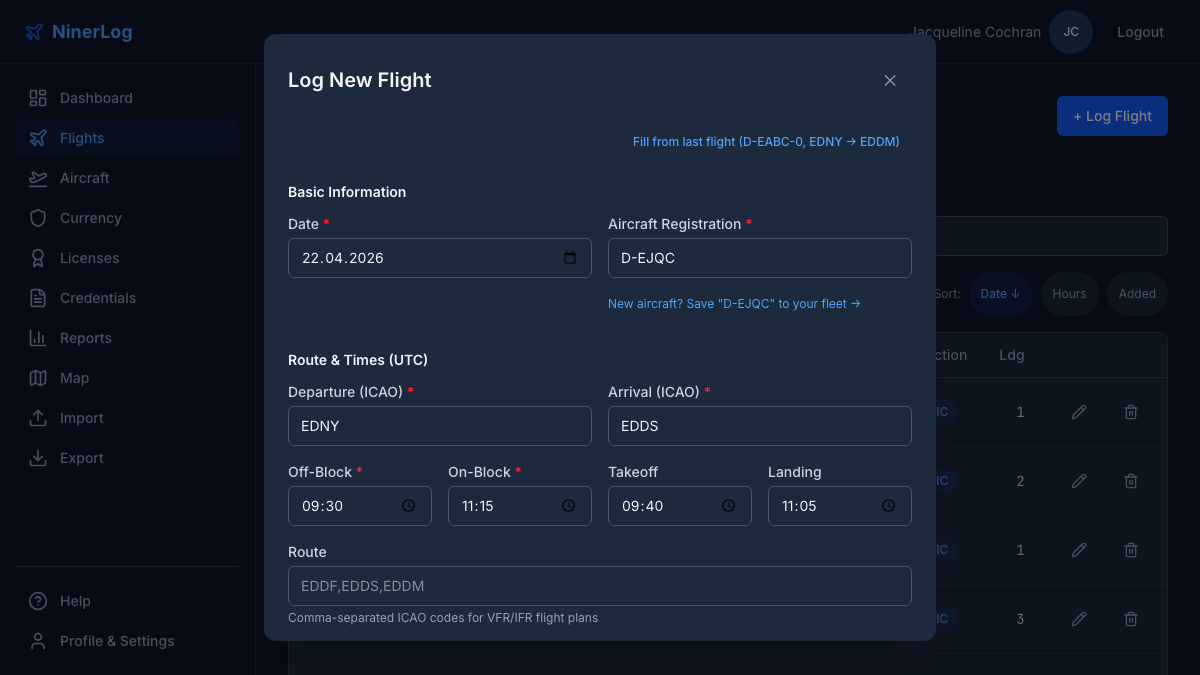
- Quick Log — tap once at off-block, takeoff, landing, and on-block; the entry writes itself, with GPS airport detection and offline support
- Block times, flight times, and advanced time splits; day and night landings and takeoffs tracked separately
- IFR in detail — actual and simulated instrument time, holds, and every approach with its type, airport and runway
- Simulator/FSTD sessions recorded apart from flight time, exactly as AMC1 FCL.050 requires; passenger legs that count toward nothing
- Off-airport sites — a farm strip or glacier without an ICAO code stays as the place name you typed
- Auto-calculated: night time from real sunset/sunrise at your airports, day/night landing split, cross-country time, great-circle distance, and PIC/solo/SIC/dual-given from the crew list
Search
- One search box across registration, type, departure/arrival ICAO, remarks and names — partial matches count
- Stack date range, aircraft, airport, and pilot-function filters on top; filters persist while you navigate
- Pick your own flight-list columns; airport codes resolve to names from a 29,000+ airport database
Licenses & currency
- Multi-license support — hold a PPL and an SPL, EASA and FAA, all at once; flights count toward every applicable license and class rating automatically
- Class ratings with expiry tracking (SEP, MEP, SET, TMG, IR)
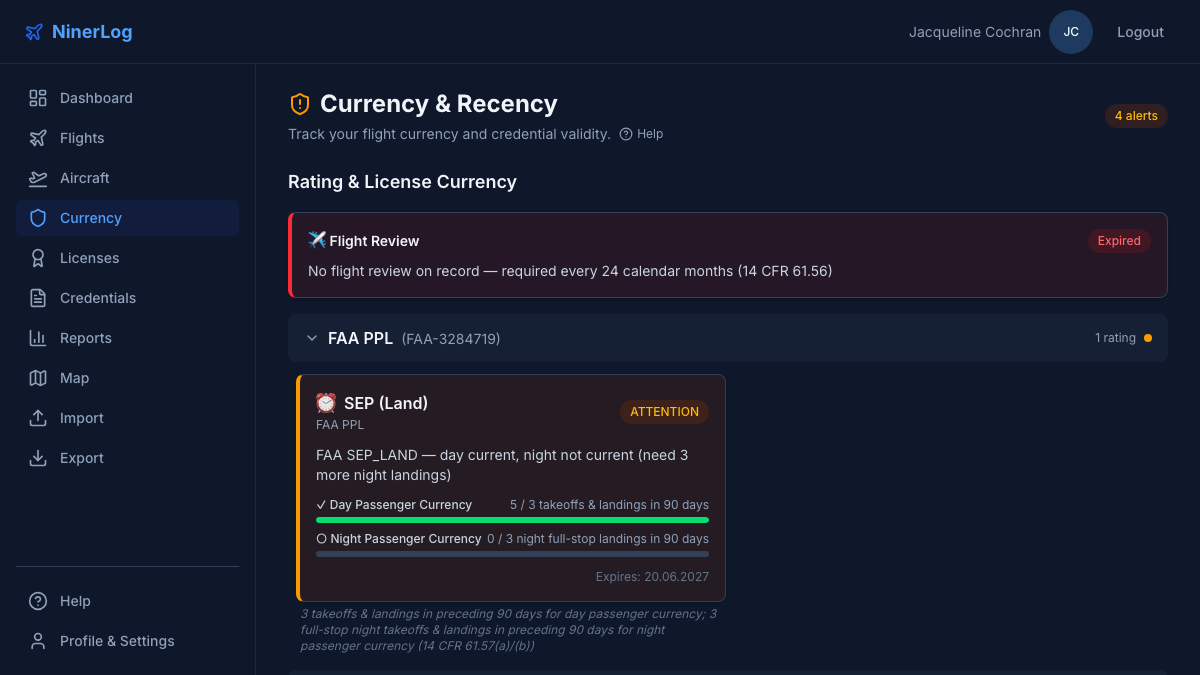
- EASA revalidation rules (FCL.740), FAA 90-day passenger currency (14 CFR 61.57), night currency, and the flight review (61.56)
- Instrument currency with approach and hold counting, plus IPC tracking
- 90-day recency per aircraft model and per registration
- Custom currency rules — write your club's or insurer's rule in a block editor or as YAML, preview it against your real logbook, share it with a link, and get per-rule email reminders
- Expiry warnings on the dashboard and email reminders at the days you choose
Credentials & people
- Medicals (EASA and FAA classes), ICAO language proficiency, radio certificates and security clearances, each with expiry reminders
- Attach photos or PDFs of the actual documents
- Instructors, safety pilots and passengers kept as contacts, linked to their flights, exportable as vCards
Fleet
- Per-aircraft statistics — hours, flights, landings, last flown, and the date recency lapses
- Logging defaults per aircraft; complex, high-performance and tailwheel flags usable in custom rules
- Re-register an aircraft and carry its logged flights across
Training
- Instructor signs on your phone after the debrief, or remotely via a secure link or QR code
- Signing links expire on your terms (24 hours to 30 days)
- Signed entries lock against edits; voiding leaves a documented audit trail
Your data
- Import from twelve formats, auto-detected — ForeFlight, LogTen Pro, MyFlightbook, capzlog.aero, FLYLOG.io, Wader, Vereinsflieger, SkyDemon, EASA and FAA layouts, and any other CSV or XLS with column mapping
- Export CSV in three column sets, a full JSON backup, and a signable PDF logbook — EASA AMC1 FCL.050 or FAA §61.51 layout, A4/A5/Letter, book-style spreads with a signature line on every page
- Prior-experience snapshot carries your paper logbook's closing totals into every running total and the PDF
- Optional scheduled cloud backups to storage you own — any S3-compatible bucket, SFTP server or WebDAV share
- No vendor lock-in — ever
Reports
- Your logbook in seven chapters — overview, experience, aircraft, places, instrument, patterns, and personal records
- Career hours curve, role split by year, hours by type/registration/class, most-visited airports and routes
- Route maps and an airport heatmap
Security
- Passkey sign-in (Face ID, Touch ID, Windows Hello, hardware keys)
- TOTP two-factor authentication with any standard authenticator app
- Printable one-time recovery codes, and a list of every signed-in device with one-click revocation
- Optional OIDC single sign-on with your own identity provider (Authentik, Keycloak, Entra ID, Google, …)
Self-hosted extras
- Built-in admin console with seven tabs — dashboard, users, audit log, email, maintenance, announcements, configuration
- Invite, enable, disable, unlock and reset members without touching the database; every pilot keeps their own private logbook
- Club-wide announcements pushed to members' dashboards
- Tamper-resistant audit log, email delivery status with suppression list, and a release update checker
Everywhere
- Progressive web app — phone, tablet, desktop; installs to your home screen, works offline where it counts
- English and German, with more languages coming; light and dark themes
- In-app help base with illustrated topics, and a replayable welcome tour
- A documented OpenAPI spec with delta sync — the groundwork for anything you want to build yourself
| Service | Image | Port |
|---|---|---|
| API | ghcr.io/fjaeckel/ninerlog-api:latest |
3000 (internal) |
| Frontend | ghcr.io/fjaeckel/ninerlog-frontend:latest |
80 / 443 |
| PostgreSQL | Custom (Alpine + auto-TLS) | 5432 (internal) |
| Certbot | certbot/certbot:latest |
— |
| DB Backup | Custom (Alpine + pg_dump) | — |
┌─────────────┐     ┌─────────────┐     ┌──────────────┐
│   Browser   │────▶│  Frontend   │────▶│   API        │
│             │     │  (nginx)    │     │  (Go)        │
└─────────────┘     │  :80/:443   │     │  :3000       │
                    └─────────────┘     └──────┬───────┘
                                               │
                                        ┌──────▼───────┐
                                        │  PostgreSQL  │
                                        │  :5432 (TLS) │
                                        └──────────────┘
- Frontend serves the React PWA and reverse-proxies
/api/*to the API container. - PostgreSQL uses auto-generated self-signed TLS certificates for wire encryption between containers.
- Certbot handles Let's Encrypt certificate renewal for HTTPS.
- DB Backup runs scheduled
pg_dumpsnapshots, gzip-compressed, with automatic retention pruning.
All configuration is done via environment variables in .env. See docs/CONFIGURATION.md for the full reference.
| Variable | Description |
|---|---|
POSTGRES_PASSWORD |
Database password |
JWT_SECRET |
Secret key for access tokens (min. 32 chars) |
REFRESH_SECRET |
Secret key for refresh tokens (min. 32 chars) |
That's it for local, HTTP-only testing — TLS_DOMAIN is left empty and CORS_ORIGIN defaults to http://localhost in .env.example, so docker compose up -d serves plain HTTP on port 80 without any domain or certificate setup.
| Variable | Description |
|---|---|
TLS_DOMAIN |
Your domain name (e.g. logbook.example.com) |
CORS_ORIGIN |
Must match your domain (e.g. https://logbook.example.com) |
VITE_API_BASE_URL |
Usually /api/v1 (default) |
See docs/HTTPS.md for the full TLS/Let's Encrypt setup.
# Pull latest images
docker compose pull

# Restart with new images
docker compose up -d
See docs/UPGRADING.md for version pinning and migration notes.
- Configuration Reference — All environment variables
- HTTPS Setup — Let's Encrypt / TLS configuration
- Passkeys / WebAuthn — Enabling passwordless sign-in
- OIDC Single Sign-On — Delegating all authentication to an external identity provider
- Upgrading — Pulling new versions, migrations
- Backups — Automated database backups and restore
- Cloud Backups — Per-user encrypted backups to pluggable cloud storage providers
- Monitoring — Private Prometheus scraping of the
/metricsendpoint - API Documentation — OpenAPI 3.1 specification
| Repository | Purpose | License |
|---|---|---|
| ninerlog (this repo) | Self-hosted deployment — Docker Compose, docs | MIT |
| ninerlog-api | Backend API (Go) | AGPL-3.0 |
| ninerlog-frontend | Web app (React PWA) | MIT |
This repository — the deployment tooling, Compose files, and documentation — is MIT licensed.
The application itself is split across two repos with their own licenses: the API is AGPL-3.0, and the frontend is MIT. Running a self-hosted instance for yourself or your club is unrestricted; the AGPL obligations on the API apply if you offer a modified version of it over a network.