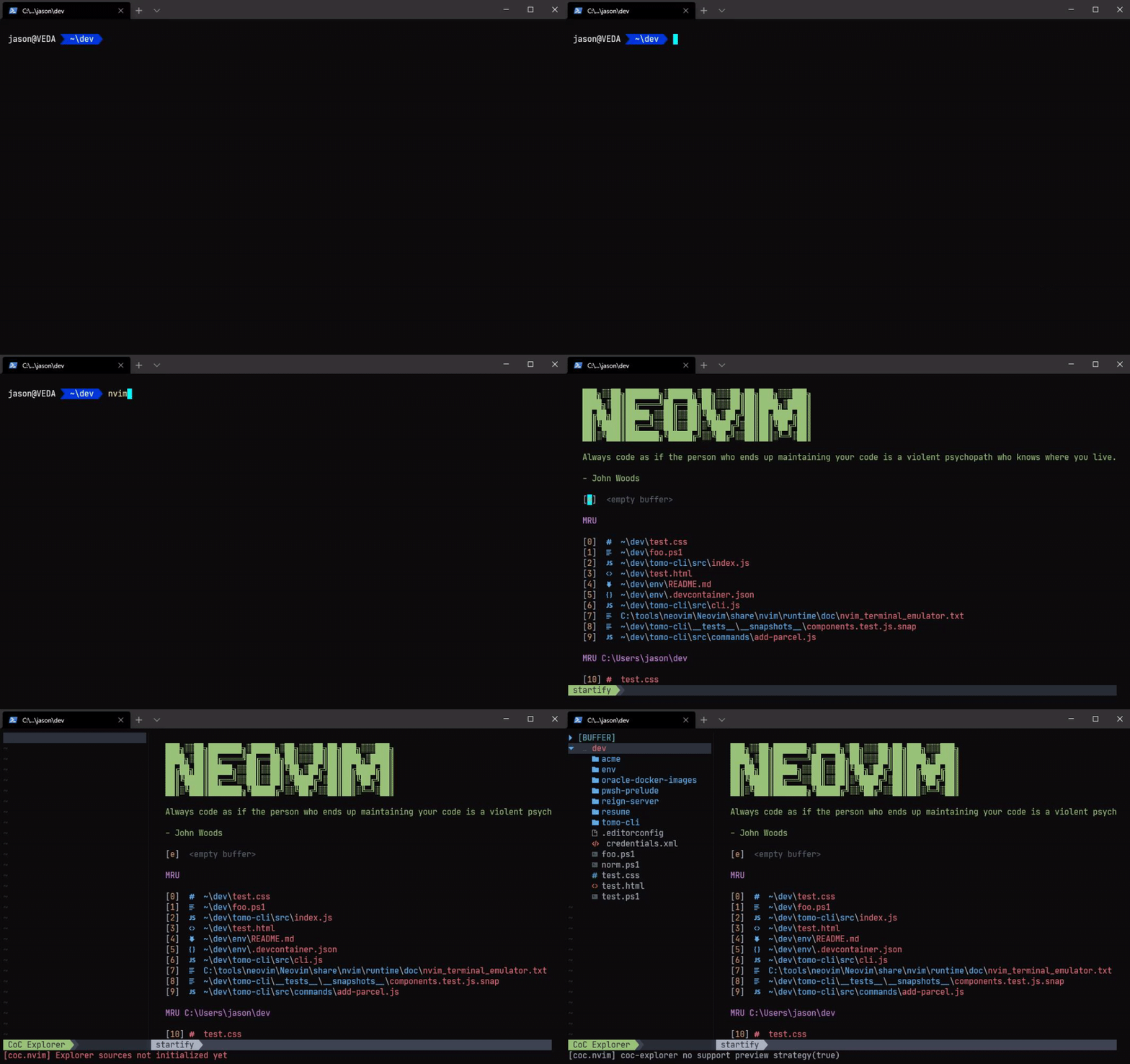
This project codifies how I configure my development environment across Windows, Linux, and OSX, using Windows Terminal1, Powerlevel10k2, Neovim3, and more.
Run this in a Linux (or Mac) terminal
curl -fsSL https://shell.jasonwohlgemuth.me/install.sh | bashTip
You can also pass package names to the script with curl -fsSL https://shell.jasonwohlgemuth.me/install.sh | bash -s -- <packages> where the list of packages can include any listed in the install packages section
Tip
For a given application configuration to be useful, the associated software must be installed
git clone https://github.com/jhwohlgemuth/my-shell-setup "${HOME}/.dotfiles"stow --dir "${HOME}/.dotfiles" --target "${HOME}" --stow git neovim ohmyposh powerlevel10k powershell- elixir
- git
- Configures Delta and adds some useful aliases -
.gitconfig
- Configures Delta and adds some useful aliases -
- gold
- Collection of utility functions and installation scripts. See the Gold project for motivation and example usage.
- neovim
- Themes -
themes/ - Editor configuration -
init.vimandgeneral/ - Plugin configuration -
plug-config/
- Themes -
- ocaml
- ohmyposh
- Theme -
.theme.omp.json
- Theme -
- powerlevel10k
- Configuration -
.p10k.zsh
- Configuration -
- powershell
- Profile -
Microsoft.Powershell_profile.ps1 - Settings -
settings.json
- Profile -
stow --delete <package names> --target <target>The gold/install_docker script now supports configuring Docker rootless mode for a non-root user.
ROOTLESS_USER: Target Linux user for rootless Docker setup. Defaults tononrootwhen omitted.ROOTLESS_ONLY: Defaults to1(rootless/client components only). Set to0to also install and start rootful Docker (docker.service).
Examples:
# Install rootless/client components only (default behavior)
ROOTLESS_USER=jason ./gold/install_docker

# Install rootful Docker and also configure rootless mode for user jason
ROOTLESS_USER=jason ROOTLESS_ONLY=0 ./gold/install_docker
After setup, use the rootless socket for that user session:
export DOCKER_HOST=unix:///run/user/$(id -u)/docker.sockcd "${HOME}/.dotfiles"
git pull origin main
stow --target <target> --restow <package>Add or improve some packages and/or try developing with containers!
Windows Terminal is an open source terminal for the modern developer. Combined with Powershell, anyone can easily enjoy a comfortable and truly robust developer experience on Windows.
#cantBelieveItsNotLinux
powerlevel10k is a theme for Zsh
Example Neovim configuration