mshell.mp4
Made on a 1920x1080 display
- Wallpapers from: ArtStation & Wallpaper Engine
- Window Manager: Hyprland
- Terminal: alacritty
- Shell: zsh
- Desktop shell / bar: Quickshell
- Color theming: matugen
- System fetch: fastfetch
- Cursor theme: catppuccin-dark
- Folder theme: Papirus with Catppuccin folder colors
- GTK theme: catppuccin
- QT theme: catppuccin with kvantum


You'll want to edit these.
| File | What to change |
|---|---|
config/quickshell/mshell/scripts/calendar/weather.sh |
API_KEY and CITY. Get from openweathermap.org |
config/hypr/settings.json → wallpaperDir |
Add path to your wallpaper dir. Wallpaper picker looks in your wallpaper dir by default and also picks up Wallpaper Engine wallpapers if you have those. |
config/hypr/hyprland.lua → hl.monitor(...) |
output = "", mode = "1920x1080@120" |
config/hypr/hyprland.lua → env vars |
NVD_BACKEND, LIBVA_DRIVER_NAME, __GLX_VENDOR_LIBRARY_NAME. Modify according to your hardware |
config/hypr/hypridle.conf |
Modify lock, suspend timers |
(For yay on Arch Linux)
yay -S --needed hyprland hypridle hyprpicker quickshell-git matugen cava awww grim slurp wl-clipboard tesseract playerctl brightnessctl
copyq, hyprsunset, fastfetch, mpv, polkit-gnome, pokemon-colorscripts-git, gpu-screen-recorder, catppuccin-cursors-mocha, catppuccin-gtk-theme-mocha
git clone -b Hyprland https://github.com/mel-edo/awesome-setup mshell-dots- Backup your
~/.configfolder (or create it if it doesn't exist) cp -r ~/mshell-dots/config/* ~/.configcp -r ~/mshell-dots/fonts/* ~/.local/share/fontsfc-cache -v -fcp ~/mshell-dots/.zprofile ~/mshell-dots/.zshrc ~/- Go through Configuration you need to change above before launching
- mshell launches automatically via Hyprland's autostart. Run it manually using launch script -
~/.config/quickshell/mshell/launch.sh
Runs on Hyprland startup. Change as you wish
dbus-update-activation-environment- polkit-gnome auth agent
hyprsunset -t 5000hypridleawww-daemondiscord,zen-browserkdeconnect-indicatorlaunch.sh- Starts the Quickshell desktop shell- Applies
catppuccin-mocha-dark-cursors
For the complete list of shortcuts, media controls, gestures, and window/layer rules, see KEYBINDS.md.
| Keybind | Action |
|---|---|
SUPER + Return |
Open terminal (alacritty) |
SUPER + A |
Toggle launcher |
SUPER + Space |
Toggle floating, resize + center |
SUPER + Q |
Close window |
SUPER + W |
Toggle overview |
SUPER + Escape |
Toggle power menu |
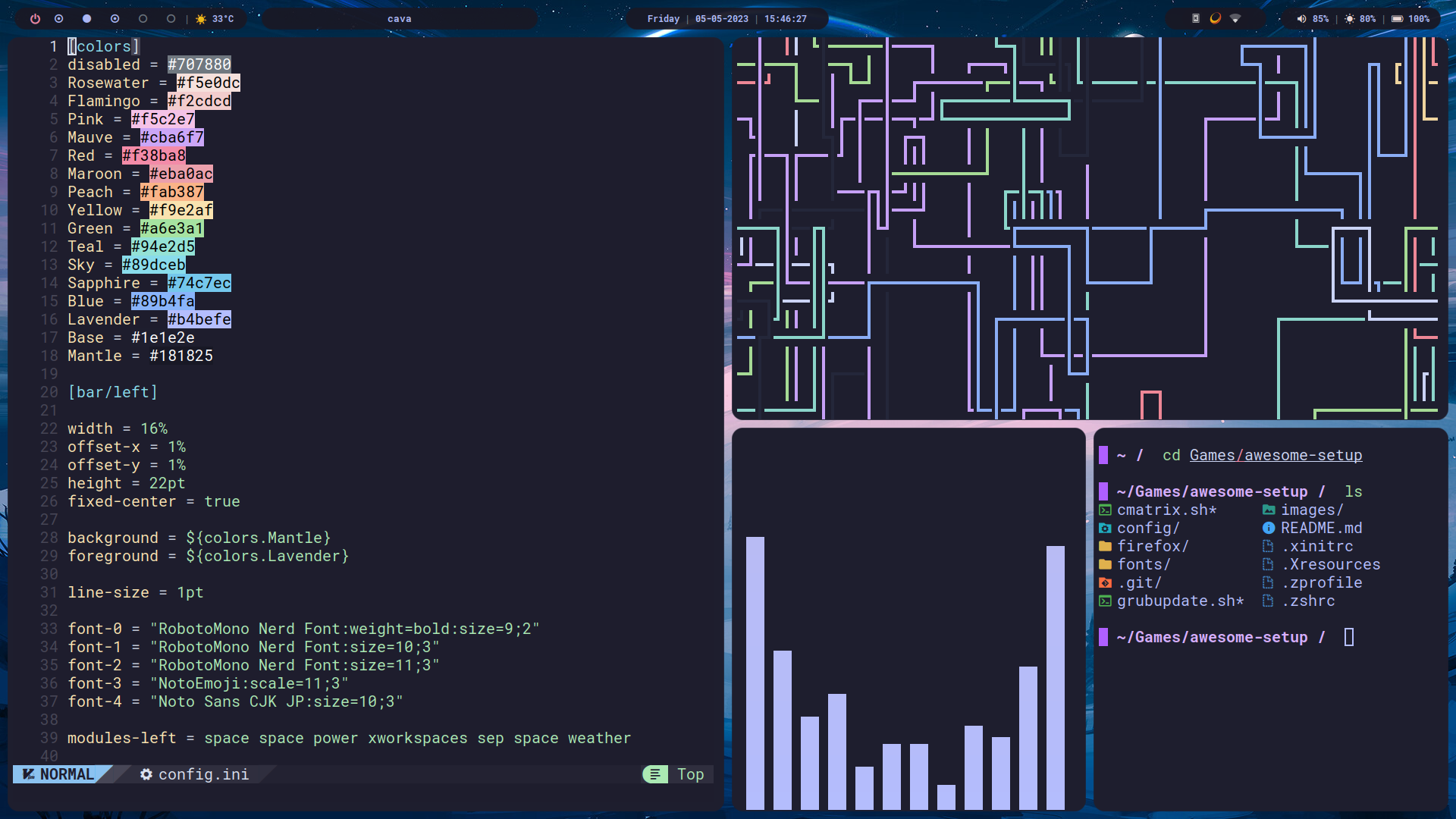
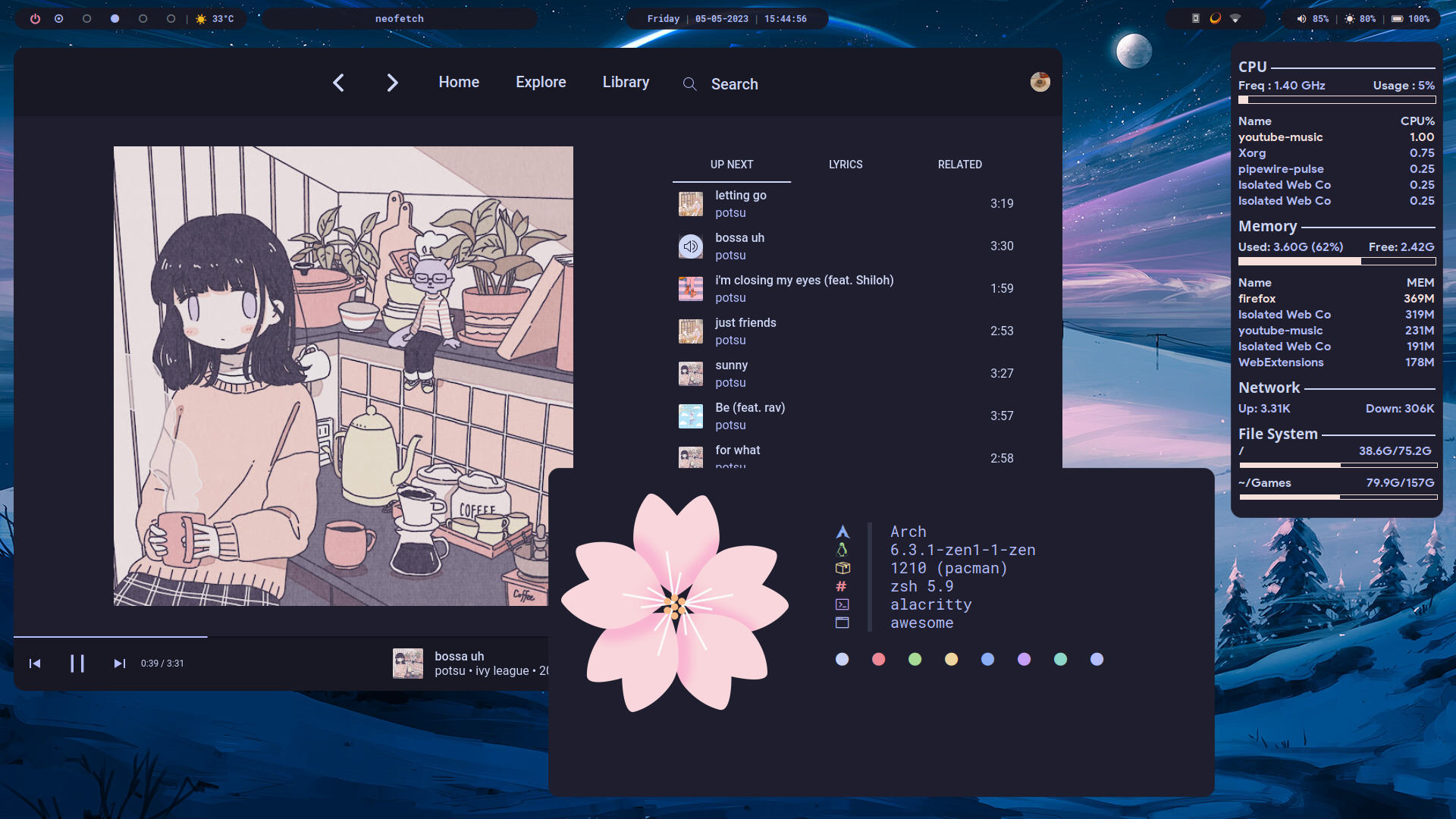
Catppuccin Lavender themed Rice
- Branch:
Lavender - Window Manager: AwesomeWM
- Bar: Polybar
- Compositor: picom-pijulius
- Wallpaper: ArtStation
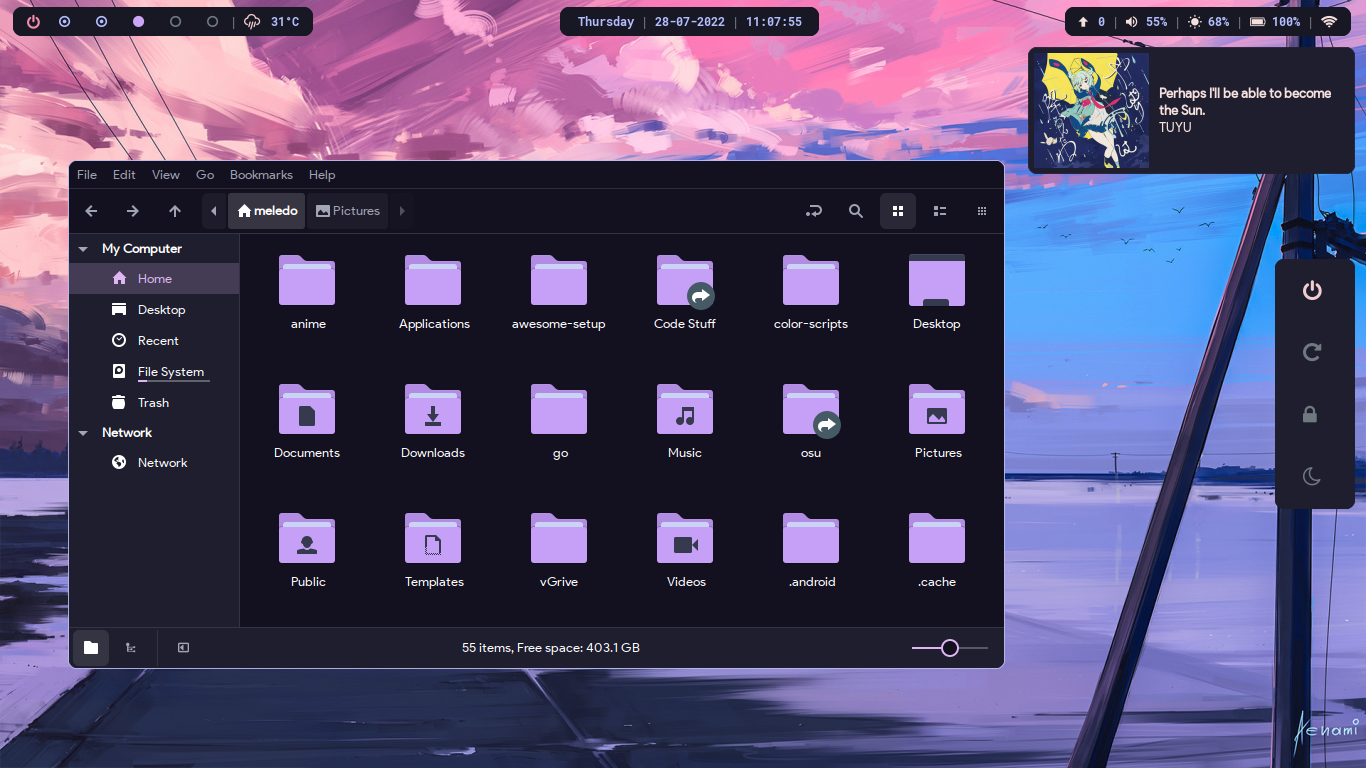
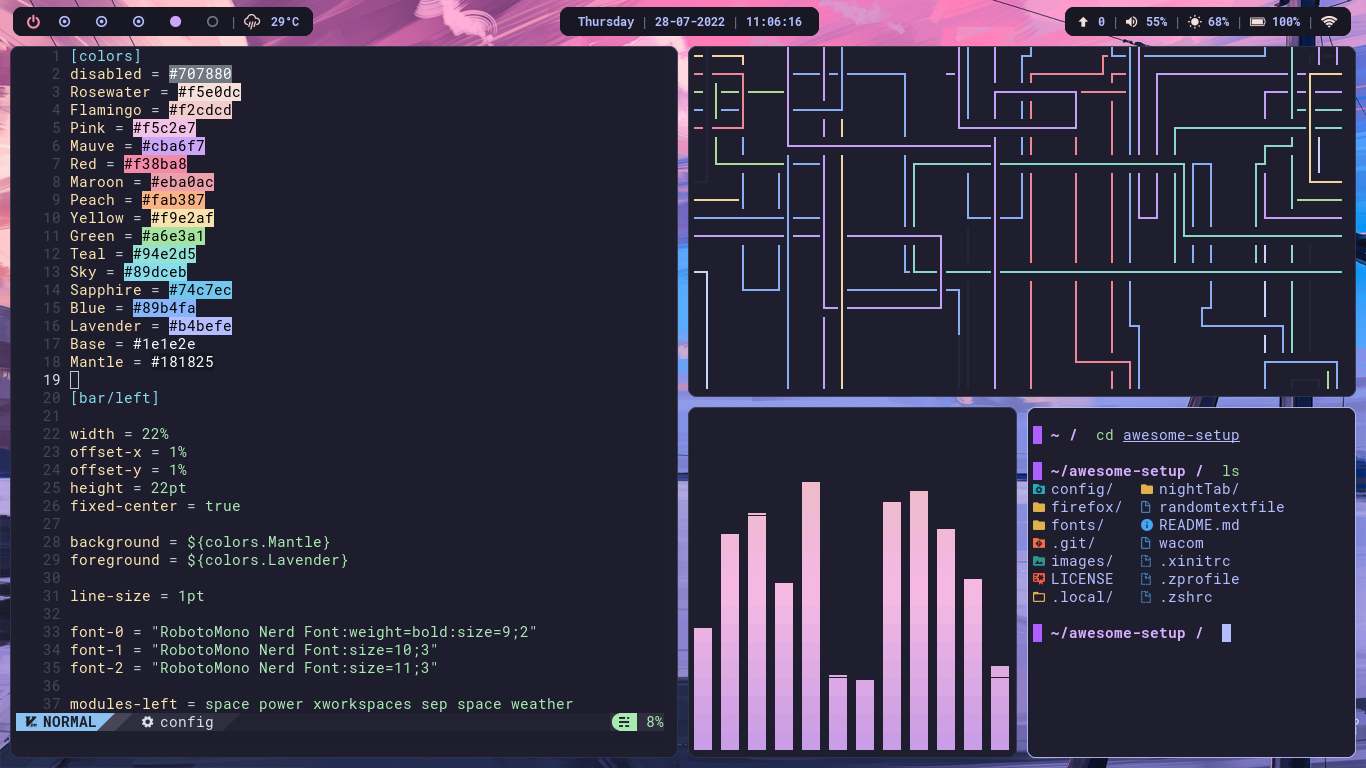
Catppuccin Mauve themed Rice
- Branch:
Mauve - Window Manager: AwesomeWM
- Wallpaper: ArtStation
