
My Emacs conf based on Emacs Prelude.
- It requires Emacs 27 or higher.
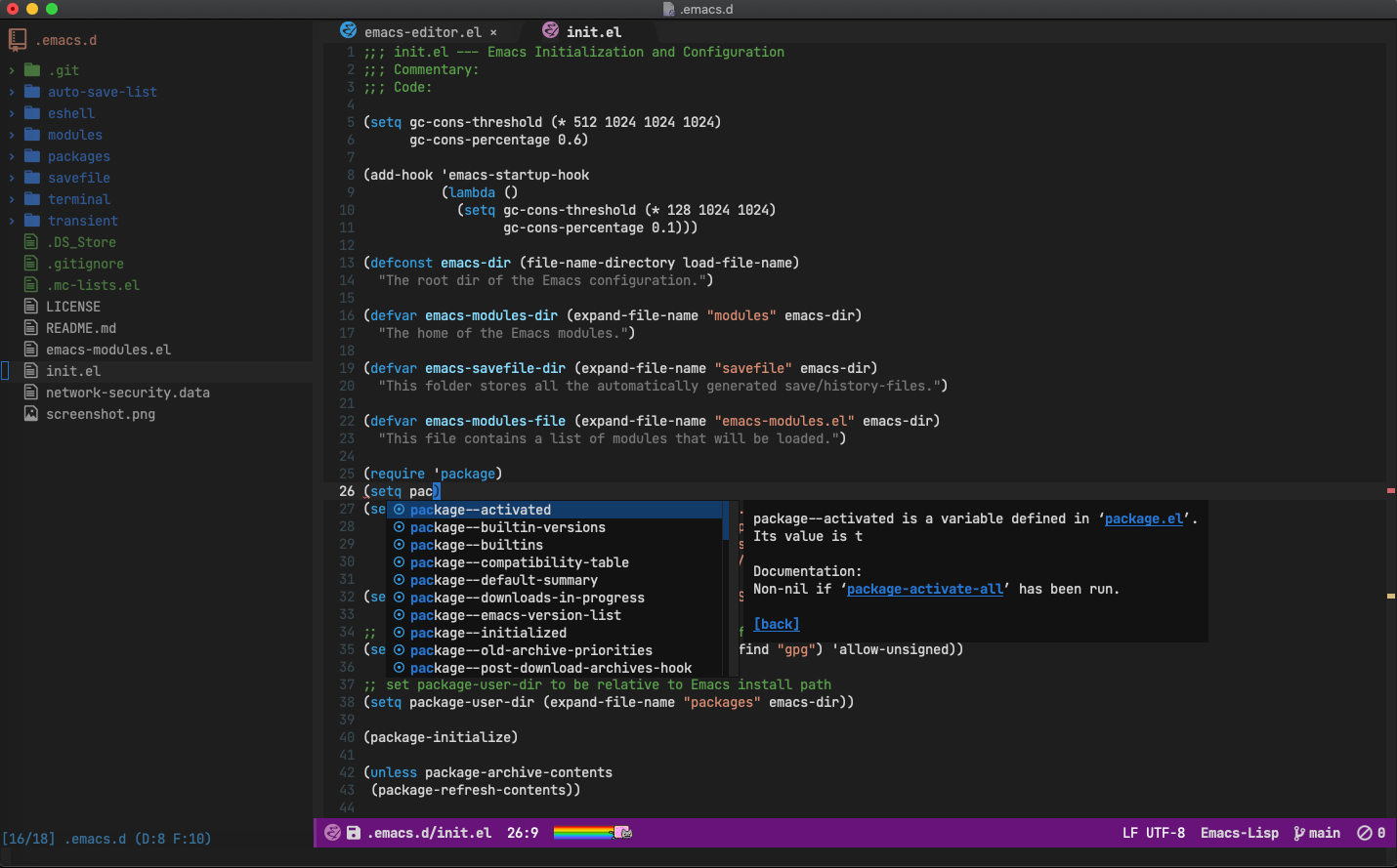
To install, clone this repo to ~/.emacs.d, i.e. ensure that the
init.el contained in this repo ends up at ~/.emacs.d/init.el:
git clone https://github.com/rlazoti/emacs.d.git ~/.emacs.dJust run M-x package-list-packages RET U x.
| Keybinding | Description |
|---|---|
| M-c | Capitalize a word (position your cursor before the word). |
| M-C | Capitalize a region (position your cursor after region). |
| M-l | Make a word lowercase (position your cursor before the word). |
| M-L | Make a region lowercase (position your cursor after region). |
| M-u | Make a word uppercase (position your cursor before the word). |
| M-U | Make a region uppercase (position your cursor after region). |
| M-; | Comment/uncomment selected lines or the current line. |
| C-+ | Increase font size (text-scale-increase). |
| C-- | Decrease font size (text-scale-decrease). |
| C-c a | Align vertically a region by a regex. |
| C-c left | Switch the focus to visible buffer at the left side. |
| C-c up | Switch the focus to visible buffer at the up side. |
| C-c right | Switch the focus to visible buffer at the right side. |
| C-c down | Switch the focus to visible buffer at the down side. |
| C-c n | Create a new buffer. |
| C-c r | Replace all occurrences of a string in the current buffer. |
| C-i | Indent a line or a region. |
| C-l | Go to line number (goto-line). |
| C-s | Current buffer incremental find. |
| C-c C-s | Current buffer incremental find defined by marked (selected) text. |
| C-S-s | Find for a term in all files of current directory. |
| C-x f | Find files in the current directory (fiplr). |
| C-S-r | Edit a grep buffer and apply changes to all files (AKA Find all files and replace). |
| M-up | Move the current line or region up. |
| M-down | Move the current line or region down. |
| F5 | Refresh the file explorer (sr-bspeedbar). |
| F6 | Open/Close the file explorer (sr-bspeedbar). |
| F8 | Run the current file(buffer) (ex: file.rb is going to run ruby interpreter). |
| F9 | Open an interactive shell into current buffer (shell). |
profile key bindings under iTerm2 and add bindings for the following:
M-up      : Esc-[1;4A
M-down    : Esc-[1;4B
M-right   : Esc-[1;4C
M-left    : Esc-[1;4D]]]]
Install additional fonts:
M-x all-the-icons-install-fonts
For JS mode, you'll need to install the following npm packages:
npm install -g jslint
npm install -g jslint
npm install -g @mermaid-js/mermaid-cli-Rodrigo Lazoti