


Floating button for your ios app in swift.
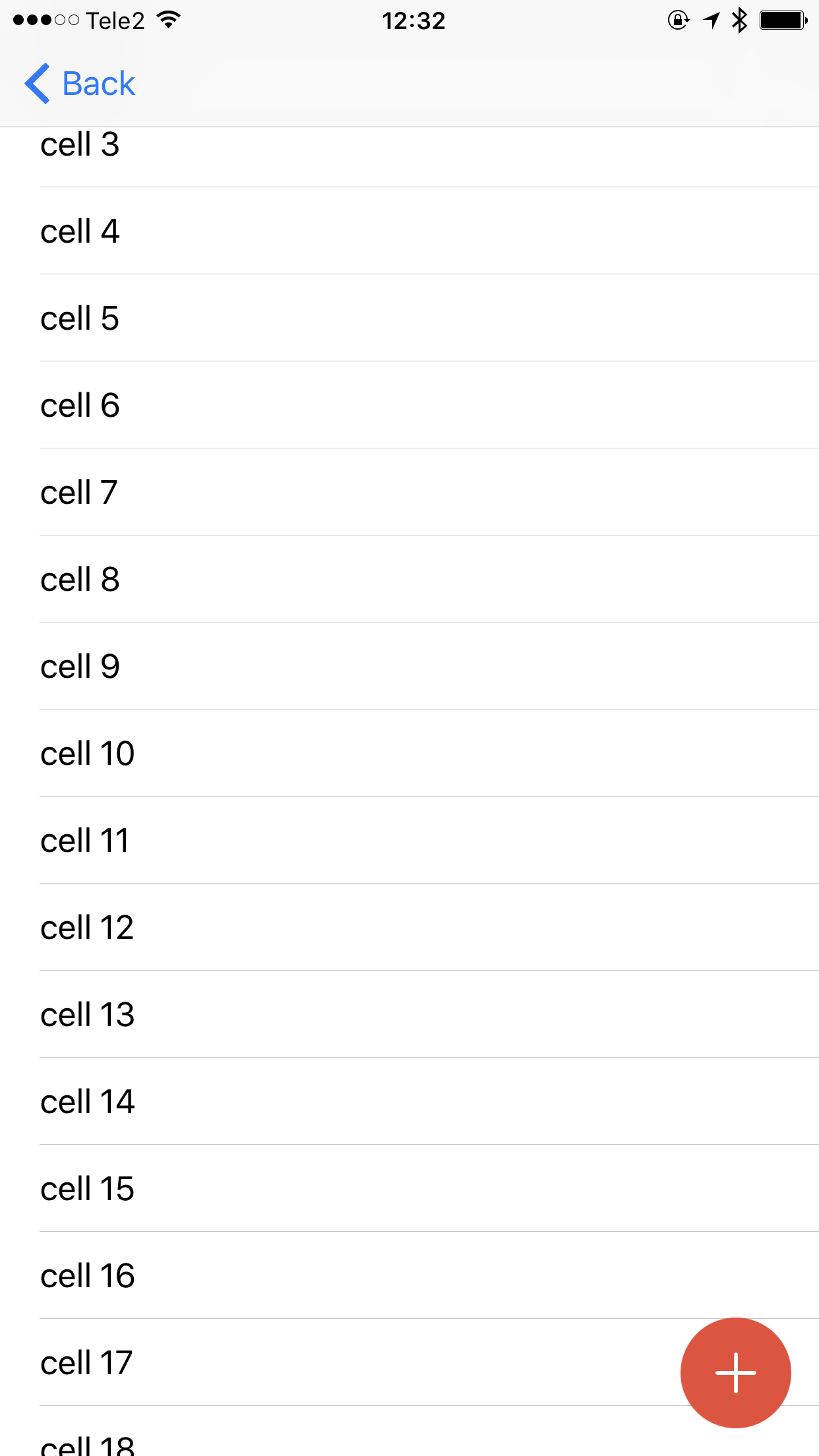
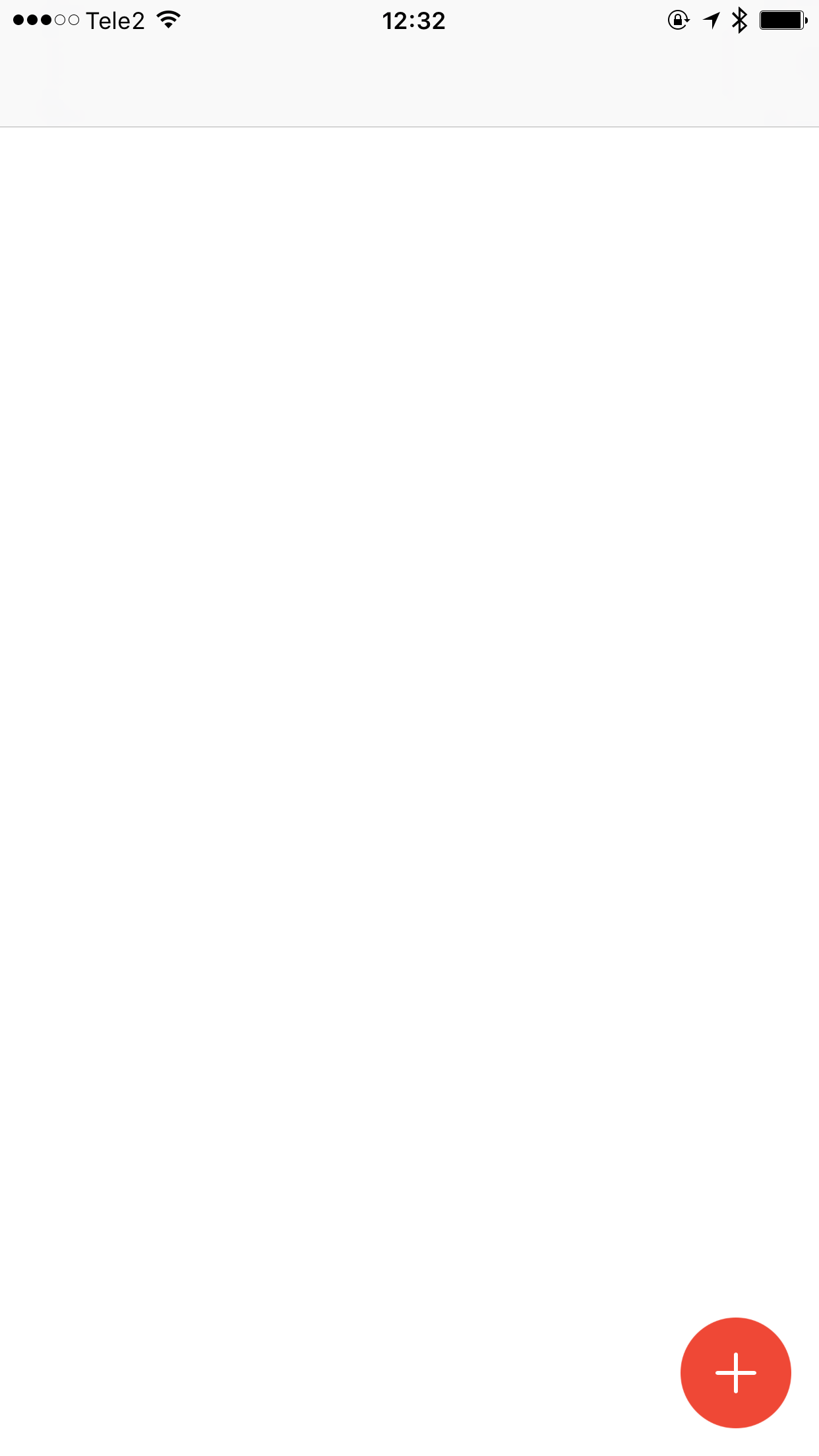
- iOS 9.0+
- Swift 3.0
- Xcode 8
DTZFloatingActionButton is available through CocoaPods. To install it, simply add the following line to your Podfile:
pod "DTZFloatingActionButton"To install manually the DTZFloatingActionButton in an app, just drag the DTZFloatingActionButton/Classes/*.swift file into your project.
DTZFABManager.shared.button().handler = {
    button in
    print("Tapped")
}
DTZFABManager.shared.show()let actionButton = DTZFloatingActionButton()
actionButton.handler = {
button in
self.performSegue(withIdentifier: "tableViewSegue", sender: nil)
}
self.view.addSubview(actionButton)let actionButton = DTZFloatingActionButton()
actionButton.handler = {
button in
print("Hi!")
}
actionButton.isScrollView = true
self.view.addSubview(actionButton)If you are using a navigation controller, use a custom initializer.
let actionButton = DTZFloatingActionButton(frame:CGRect(x: view.frame.size.width - 56 - 14,
                                                                y: view.frame.size.height - 56 - 14,
                                                                width: 56,
                                                                height: 56
))To run the example project, clone the repo, and run pod install from the Example directory first.
Evgeny Dats (hintoz), hintoz@gmail.com
DTZFloatingActionButton is available under the MIT license. See the LICENSE file for more info.