
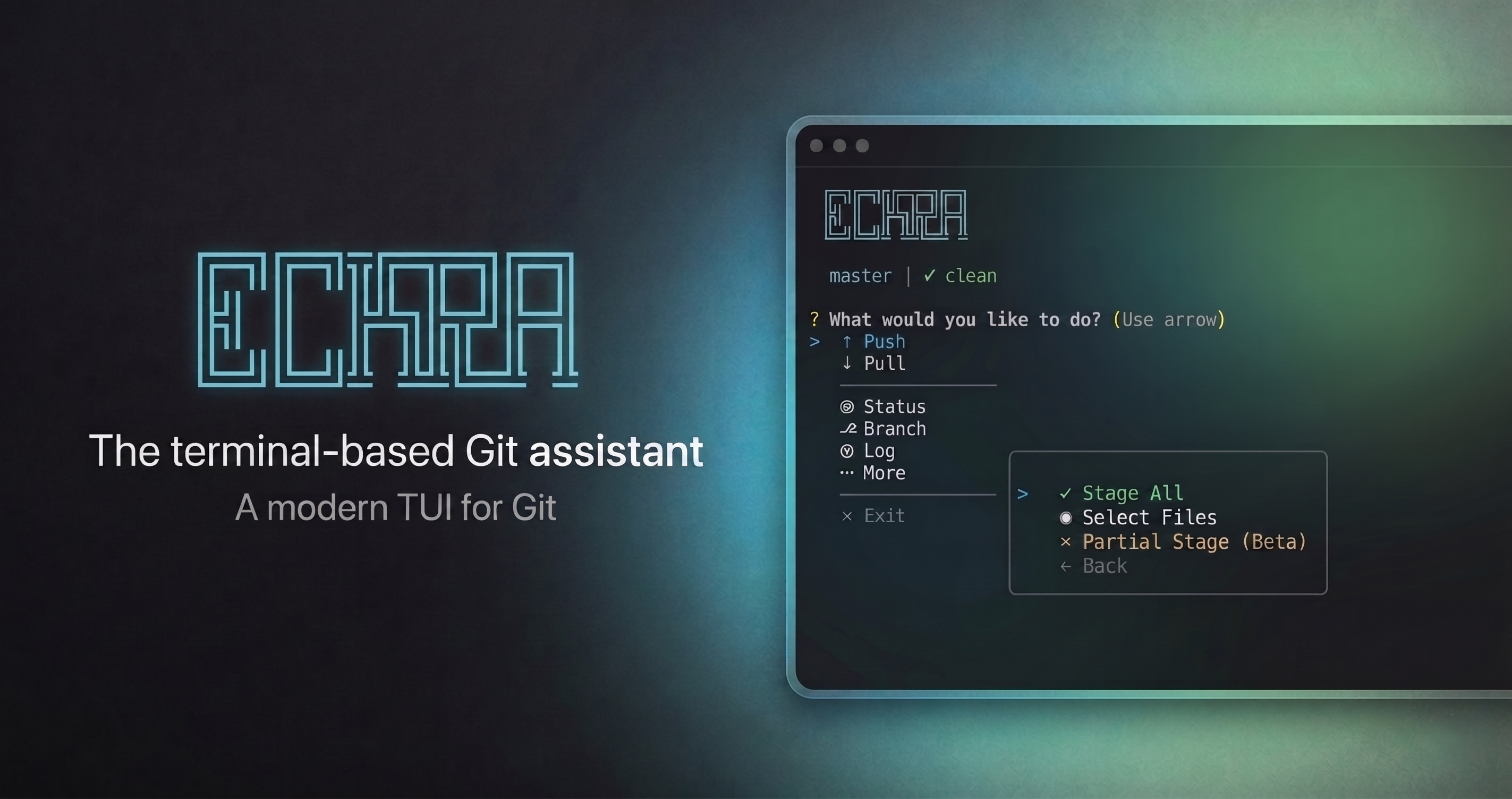
AI-powered Git assistant that analyzes your code changes and generates meaningful commit messages using OpenAI, Anthropic, Gemini, OpenRouter, Ollama, or LM Studio


eckra is an interactive Git management tool designed for developers who value both speed and clarity. It integrates with multiple AI providers to analyze your staged changes and suggest context-aware commit messages, ensuring your project history remains professional and descriptive without the manual overhead.
- AI-Powered Suggestions: Automatically generates commit messages based on actual code diffs. Supports LM Studio, OpenAI, Anthropic, Ollama, OpenRouter, and Google Gemini.
- Select & Edit: Pick an AI suggestion and refine it instantly to match your specific needs.
- Staged Diff Review: Inspect your changes in a beautiful, syntax-highlighted format directly before committing.
- Project Story: AI analyzes your commit history and generates a human-readable timeline — understand any repo's evolution at a glance.
- Interactive Dashboard: A comprehensive menu system for staging files, managing branches, stashing changes, and syncing with remotes.
- Built for Speed: Zero-config required for standard Git operations. Fast, responsive, and intuitive.
Install eckra globally using npm:
npm install -g eckraJust type eckra in any Git repository to launch the interactive dashboard:
eckraSkip the menu and jump straight into action:
| Command | Alias | Action |
|---|---|---|
eckra commit |
c |
Start the AI-assisted commit flow |
eckra status |
st |
Check repository status and staged files |
eckra push |
p |
Sync local commits with the remote repository |
eckra easy |
e |
Full workflow: Stage all, AI commit, and push |
eckra story |
t |
AI-generated project timeline from commit history |
eckra start |
s |
Start the interactive dashboard |
Pro tip: Use
eckra eas a shortcut for the full automated workflow — it stages all changes, generates an AI commit message, and pushes in one go.
eckra supports multiple AI providers. You can switch between them using the built-in settings menu (Settings > Change Provider).
| Provider | Type | Default Model |
|---|---|---|
| LM Studio | Local | — (user-configured) |
| Ollama | Local | — (user-configured) |
| OpenAI | Cloud (API Key) | gpt-5-mini |
| Anthropic | Cloud (API Key) | claude-sonnet-4-6 |
| OpenRouter | Cloud (API Key) | openai/gpt-5-mini |
| Google Gemini | Cloud (API Key) | gemini-3.1-flash-lite |
By default, eckra connects to LM Studio's local server:
- URL:
http://localhost:1234 - Requirement: Ensure LM Studio is running and the "Local Server" is started with a loaded model.
You can configure your provider in two ways:
- Interactive: Run
eckra, go toMore > Settings, and select your provider and enter your credentials. - Config file: Edit
~/.eckra/config.jsondirectly:
{
  "aiProvider": "openrouter",
  "openrouterApiKey": "sk-or-...",
  "openrouterModel": "anthropic/claude-3.5-sonnet"
}
You can also create a .eckrarc file in your project root to override global settings per-repository. .eckrarc is ignored by default because it may contain API keys; avoid committing provider secrets to your repository.
| Problem | Likely Cause | Solution |
|---|---|---|
| "This folder is not a Git repository!" | Not inside a git repo | Run git init or cd into a repo |
| "Not connected" (LM Studio / Ollama) | Local server not running | Start LM Studio server on :1234 or Ollama on :11434 |
| "AI Provider Error: 401" | Wrong or missing API key | Check ~/.eckra/config.json or re-enter key via Settings menu |
| "AI returned no choices" | Invalid model name | Verify the model name in settings matches your provider |
| "AI returned empty or too short response" | Local model not loaded | Load a model in LM Studio / Ollama before using eckra |
| "Malformed config file" | Bad JSON in config | Fix or delete ~/.eckra/config.json — defaults will be used |
| Push fails: "no upstream" | First push on a new branch | eckra auto-detects this and offers to set upstream for you |
| Rebase / cherry-pick failed | Merge conflicts | Resolve conflicts manually, then continue from the rebase menu |
| Timeout / "ECONNABORTED" | Provider slow or unreachable | Check your network, firewall, or provider status page |
Contributions make the open-source community an amazing place to learn, inspire, and create. Any contributions you make are greatly appreciated.
Please see CONTRIBUTING.md for details on our code of conduct and the process for submitting pull requests.
You can uninstall Eckra either from the app or manually:
- Run
eckraand go to More > Settings - Select "Uninstall Eckra"
- Confirm by typing
uninstall
This will remove all configuration files (~/.eckra/) and the global npm package.
npm uninstall -g eckra
rm -rf ~/.eckraDistributed under the MIT License. See LICENSE for more information.