A focused workspace for Claude Code sessions, terminals, ideas, tips, and multi-agent delivery.
Sessions · Web Terminal · Ideas · Tips · Multi-Agent
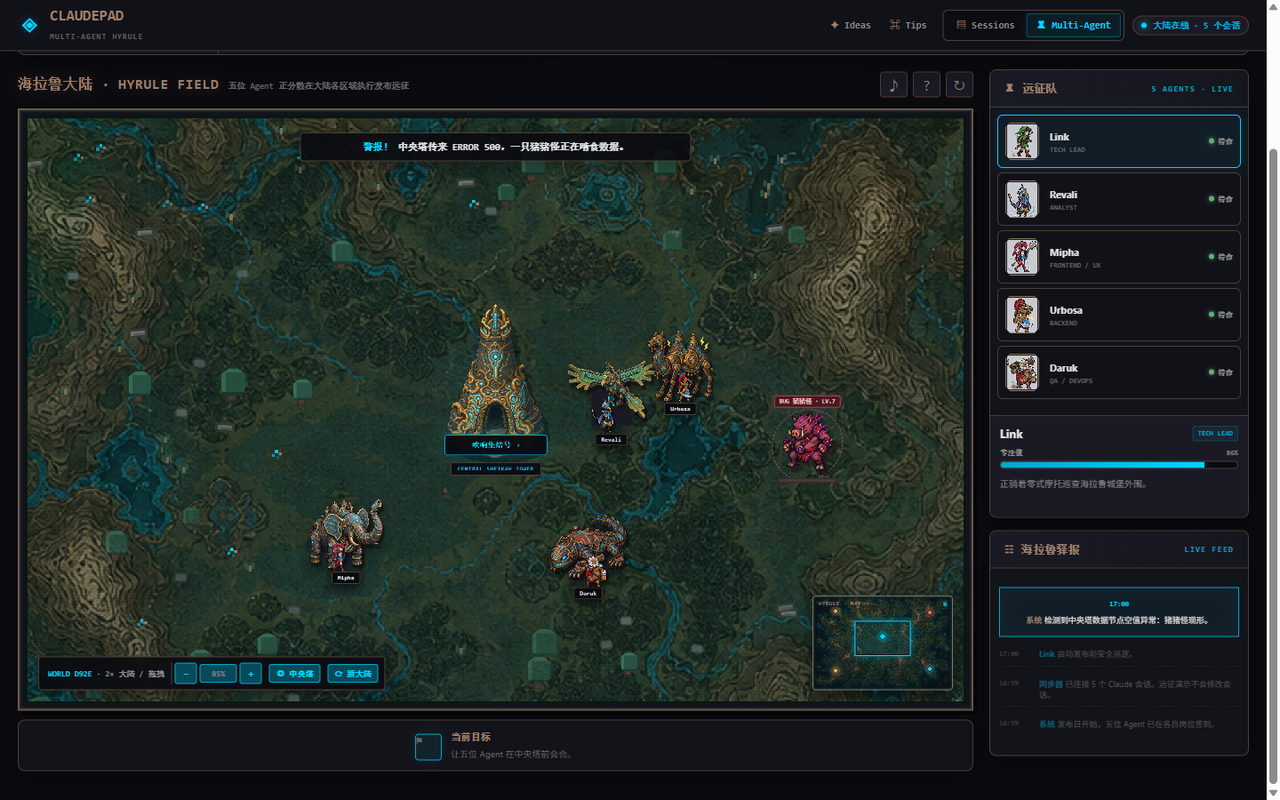
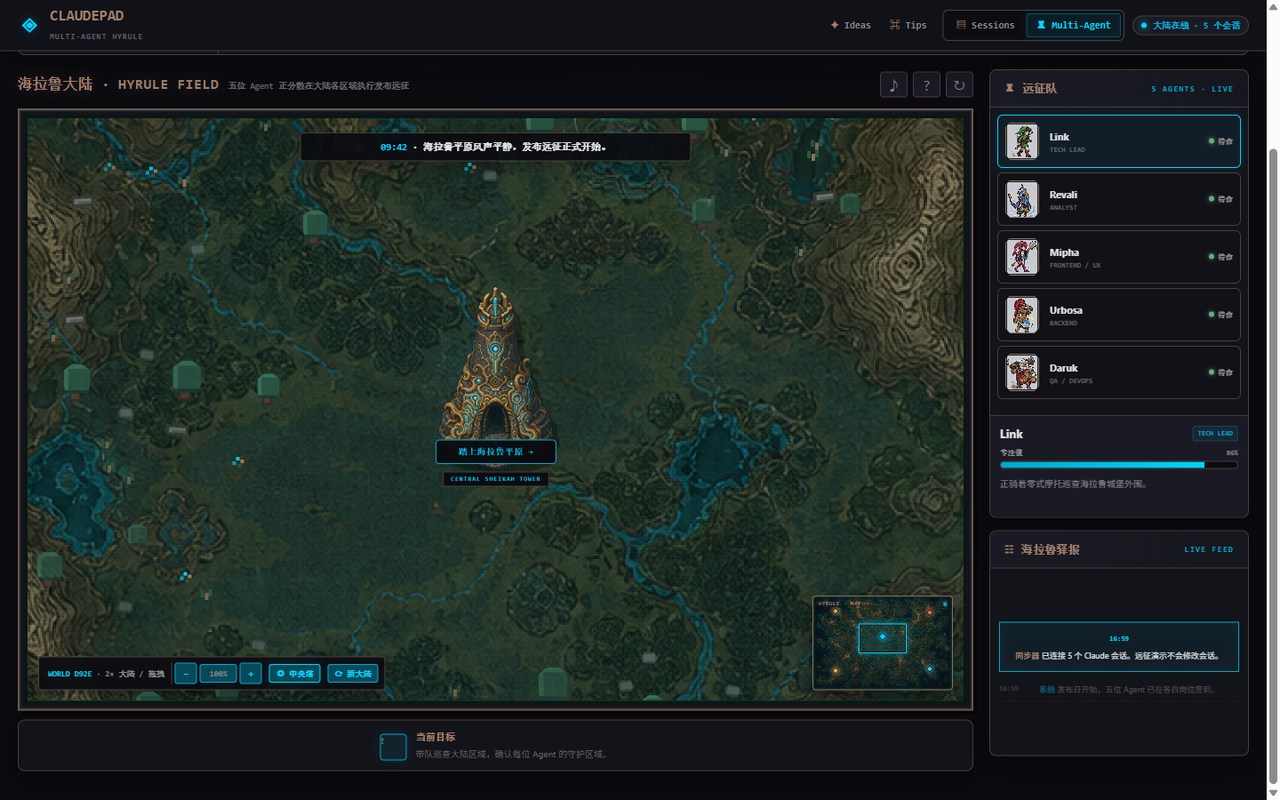
ClaudePad turns local and remote Claude Code work into one visual control surface. Monitor sessions, open a real xterm.js terminal, capture ideas, browse practical tips, or follow a software-delivery incident across an interactive Hyrule-inspired map.
Sessions and Multi-Agent stay together as two workspace tabs, while Ideas and Tips remain available as lightweight utility actions.
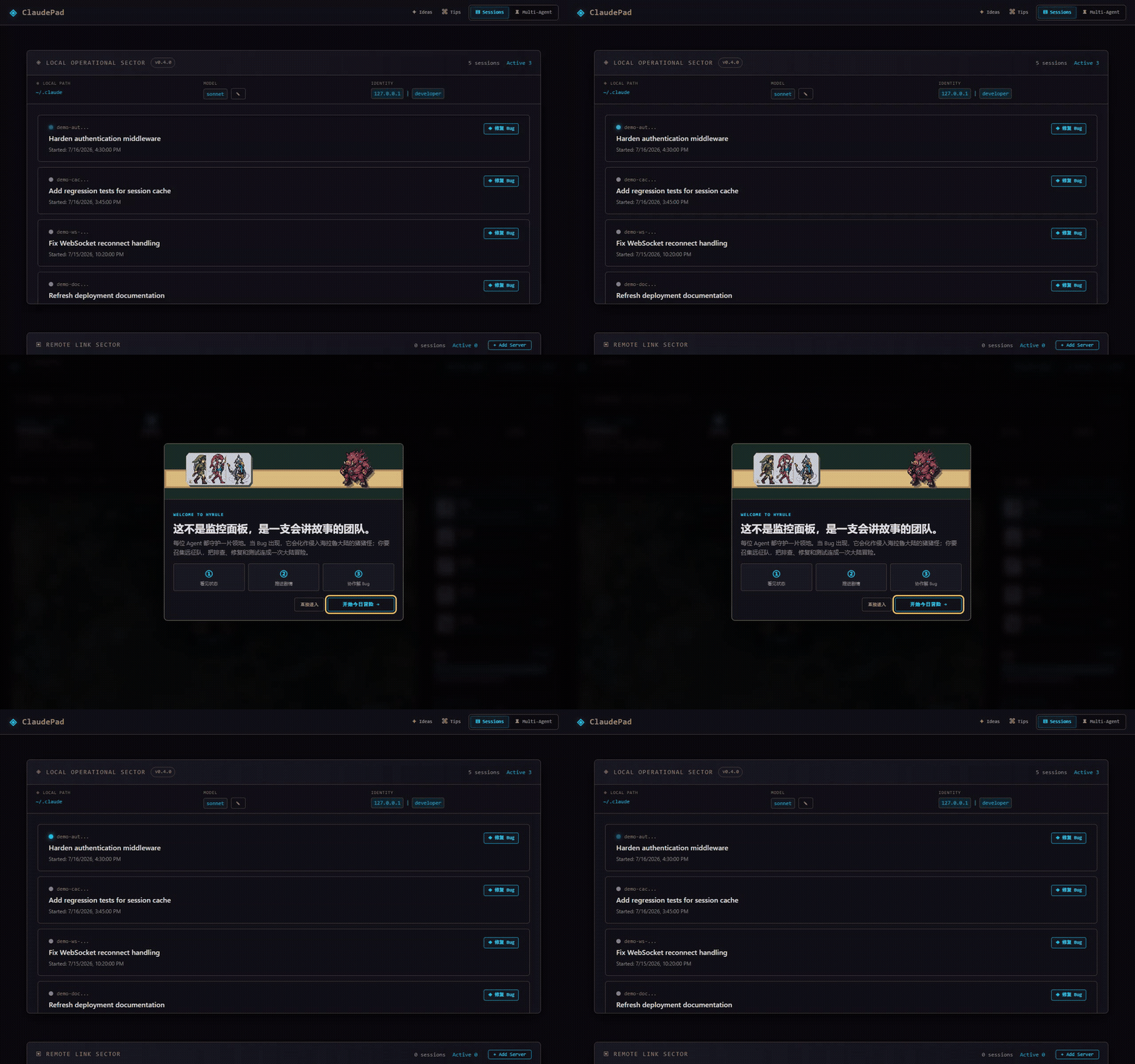
Zoom, pan, recenter on the Sheikah Tower, use the minimap, and trigger a simulated incident without modifying live sessions.
 |
 |
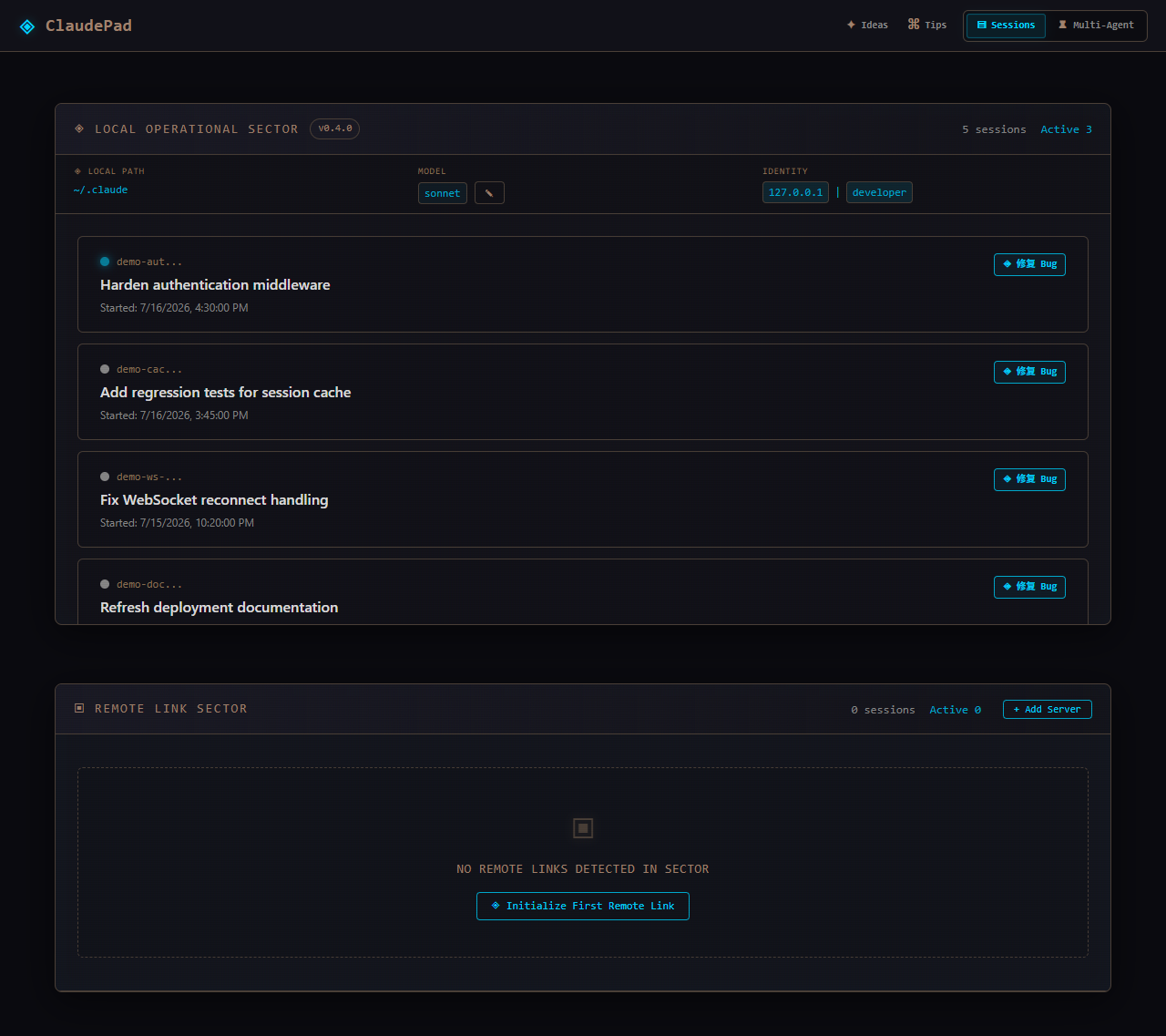
| Session operations Local and remote environments in one monitor. |
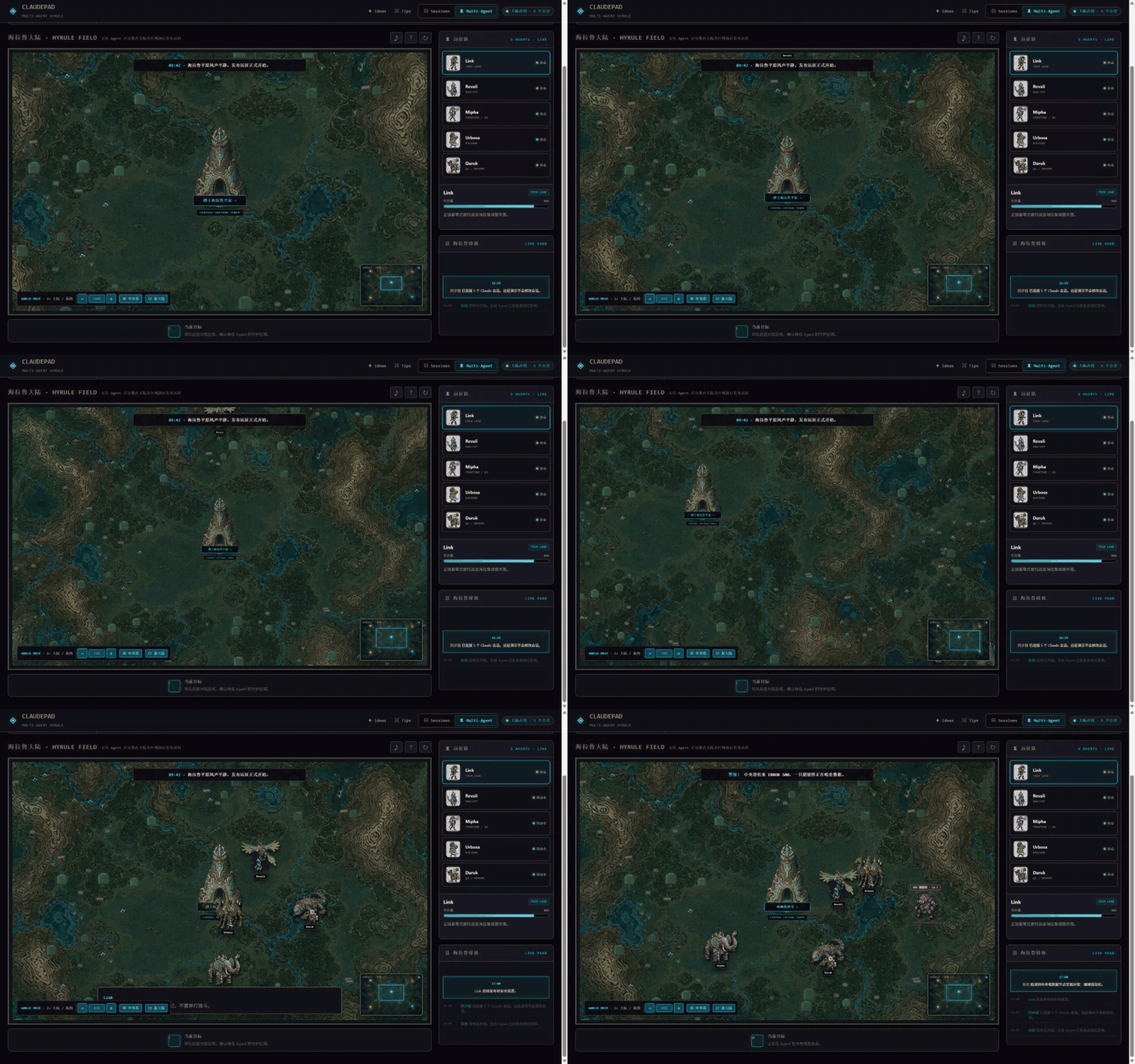
Multi-agent expedition An open, draggable map with zoom and minimap navigation. |
- Session Monitor — inspect Claude Code sessions from
~/.claude/and see active state at a glance. - Web Terminal — interact with each session through xterm.js, WebSocket streaming, and node-pty.
- Local + Remote Environments — keep environment-aware configuration and independent version status together.
- CC Ideas — capture inspiration, search it, and track progress from new to archived.
- CC Tips — browse, search, randomize, and copy practical Claude Code shortcuts.
- Session-linked Multi-Agent Hyrule — hand a local or remote session to Link and four specialists through a six-stage delivery pipeline: requirements baseline, incident triage, parallel implementation, integration regression, release gate, and hardening retrospective.
- Interactive World Map — drag or use keyboard controls, zoom in and out, recenter, randomize the continent, and navigate through a minimap.
# Install globally
npm install -g @yangjingo/claudepad

# Run
claudepad

# Or run without installing
npx @yangjingo/claudepad
Open http://localhost:8080.
git clone https://github.com/yangjingo/ClaudePad.git
cd ClaudePad
npm install
npm run dev| Area | Route | Purpose |
|---|---|---|
| Sessions | / |
View and manage local or remote Claude Code sessions |
| Ideas | /idea.html |
Capture and track inspiration |
| Tips | /tips.html |
Search and browse CC Tips |
| Multi-Agent | /playground.html |
Explore the Hyrule delivery dashboard |
v0.4.0 links Sessions to the interactive Multi-Agent Hyrule workspace, adds a draggable seeded continent with zoom and minimap navigation, and hardens static asset and dynamic session handling. See CHANGELOG.md for the full history.
The Multi-Agent workspace is an original, unofficial fan-inspired interface. ClaudePad is not affiliated with or endorsed by Nintendo.
MIT